
See exactly what changed in the registry.
Free, open-source Windows tool that snapshots the registry before and after an install, shows exactly what changed, flags persistence hooks with MITRE ATT&CK mapping and exports a one-click undo .reg.
None
Network connections
MIT
License
None
Telemetry
Snapshot and diff
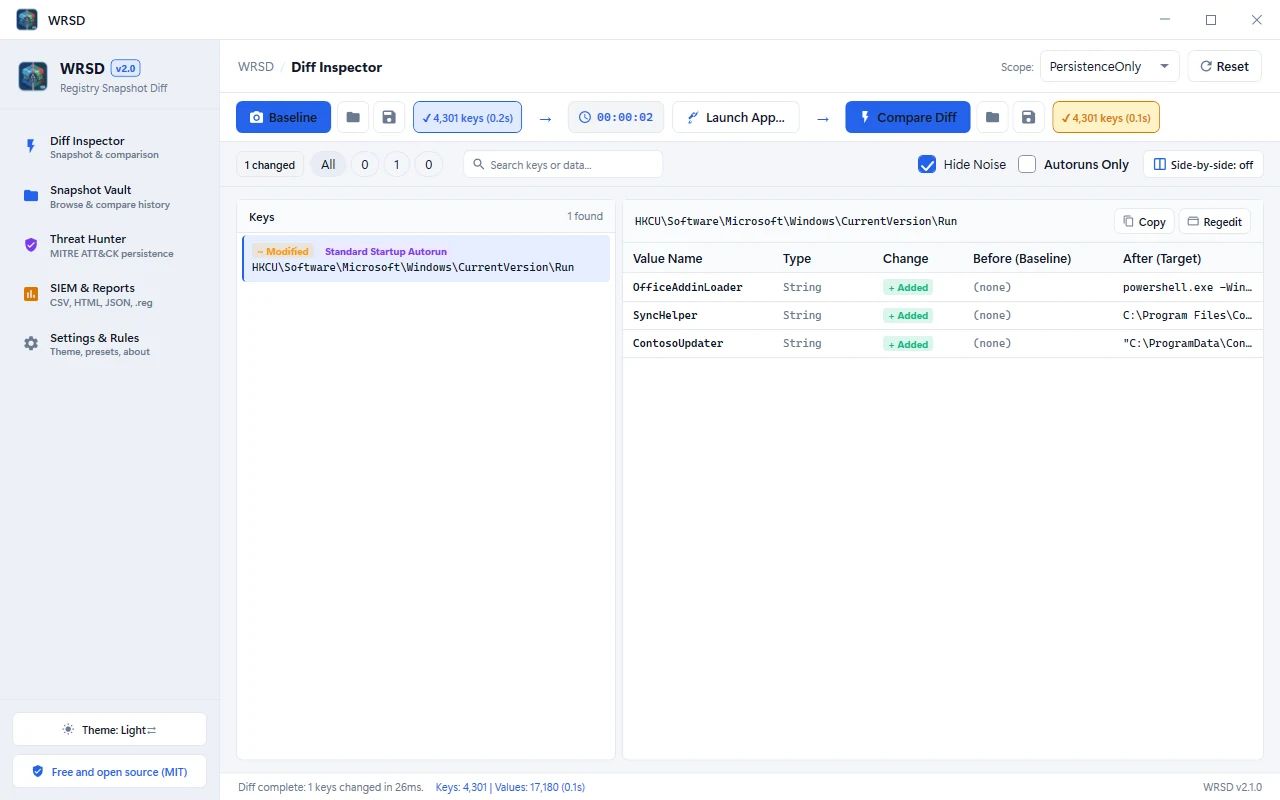
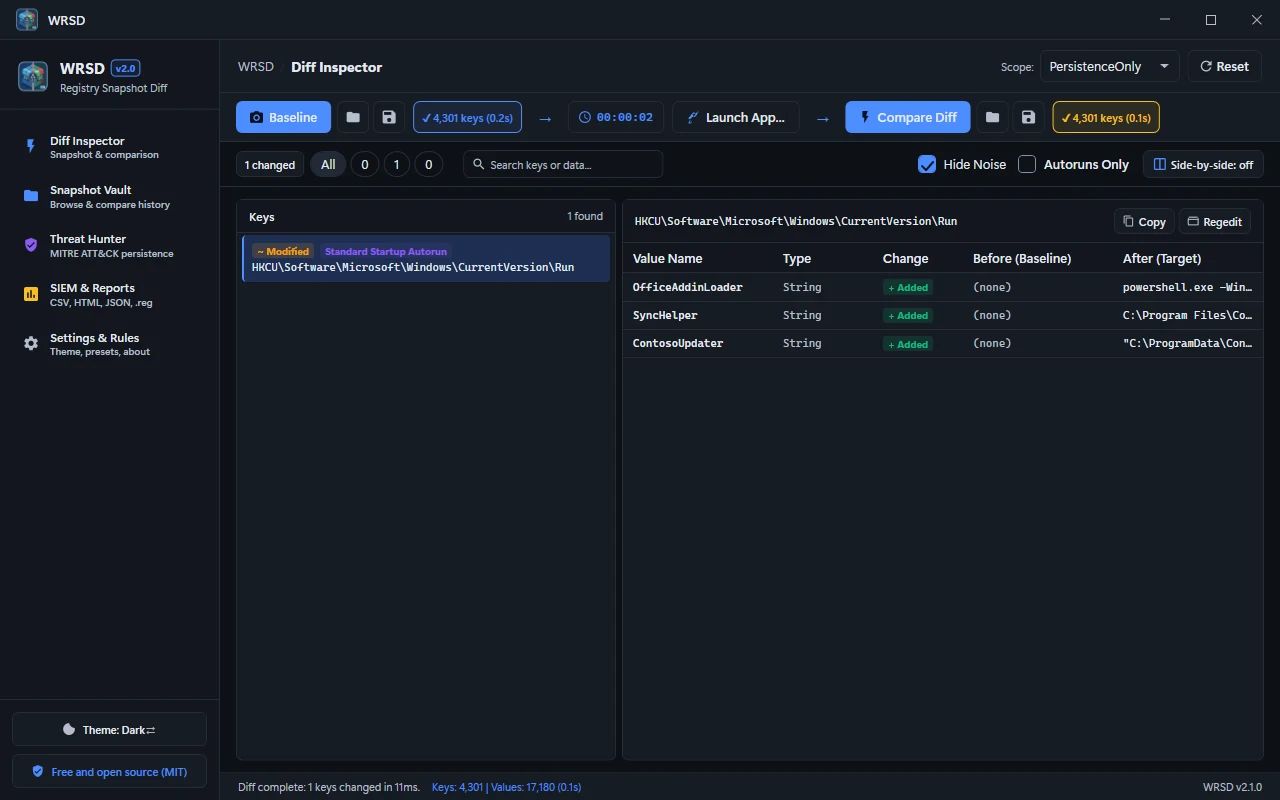
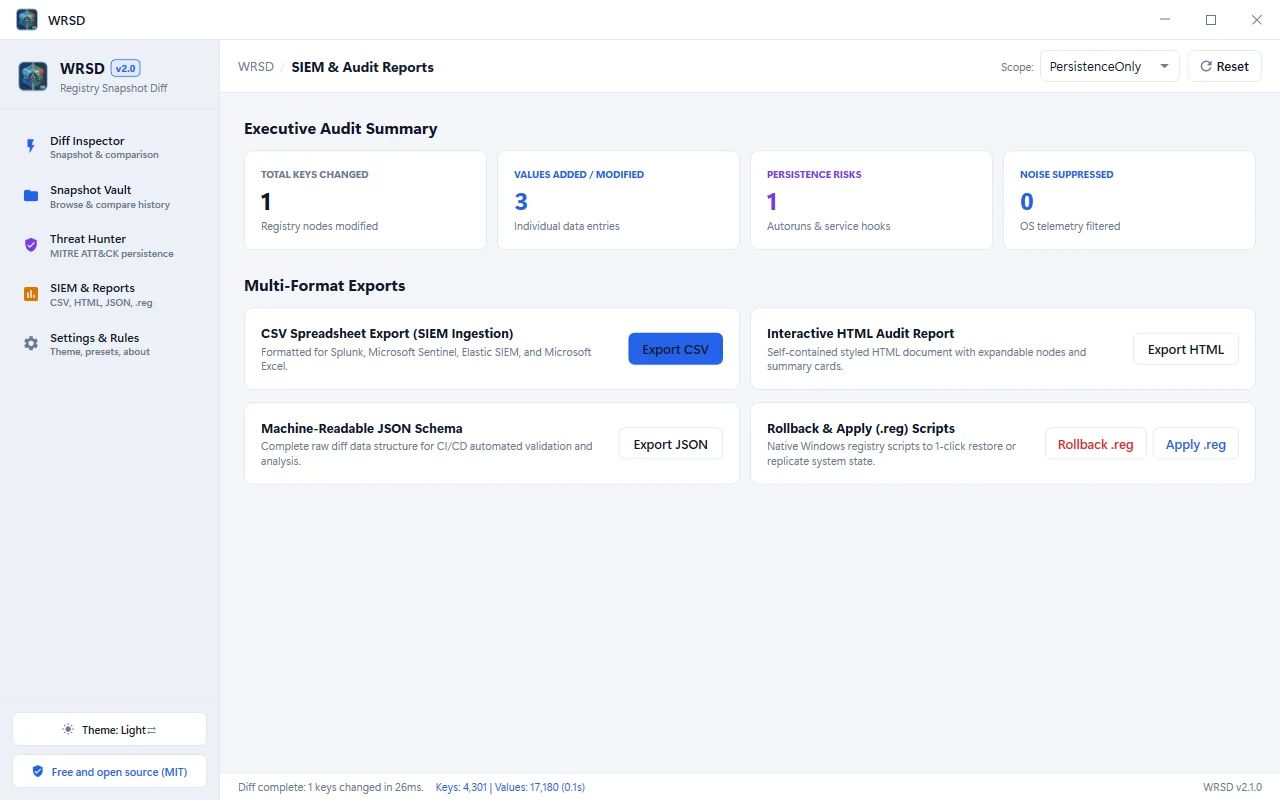
Capture the registry before and after an install and see every added, modified and deleted key and value, side by side.
Noise filtered
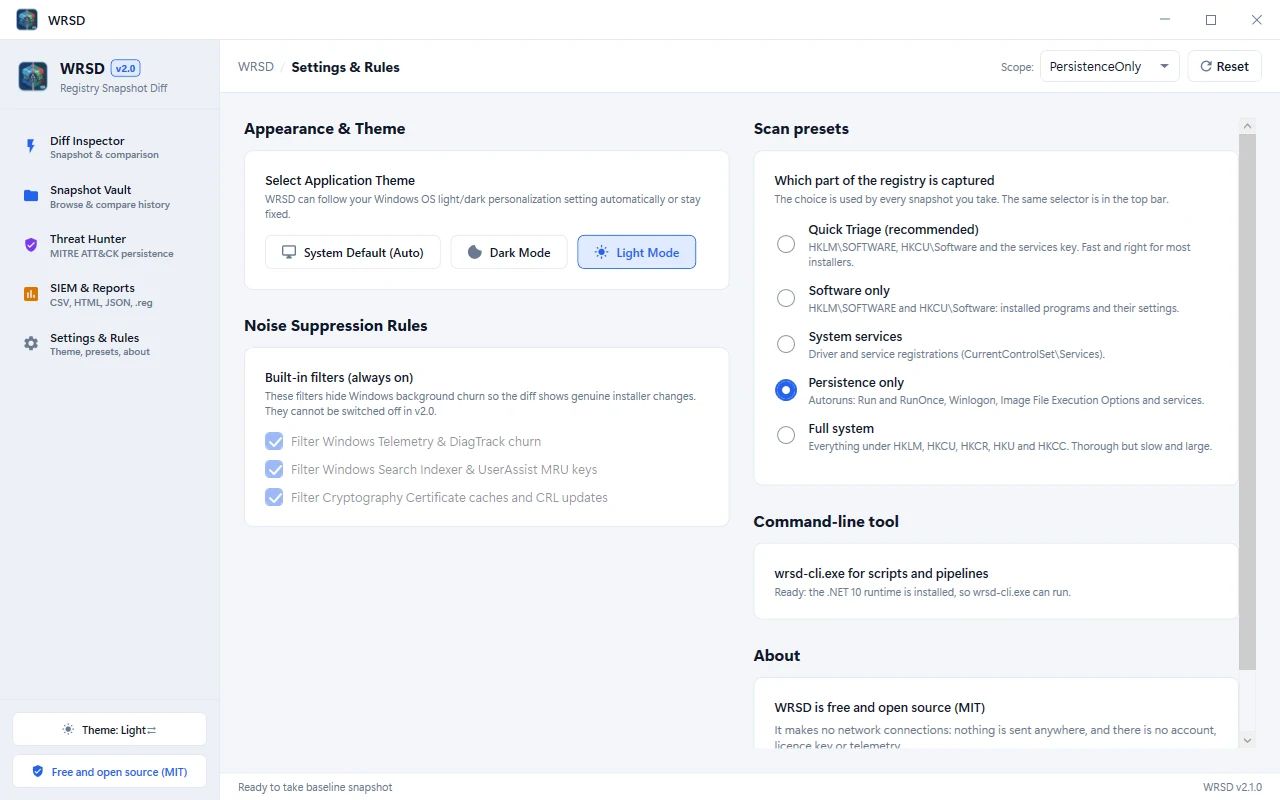
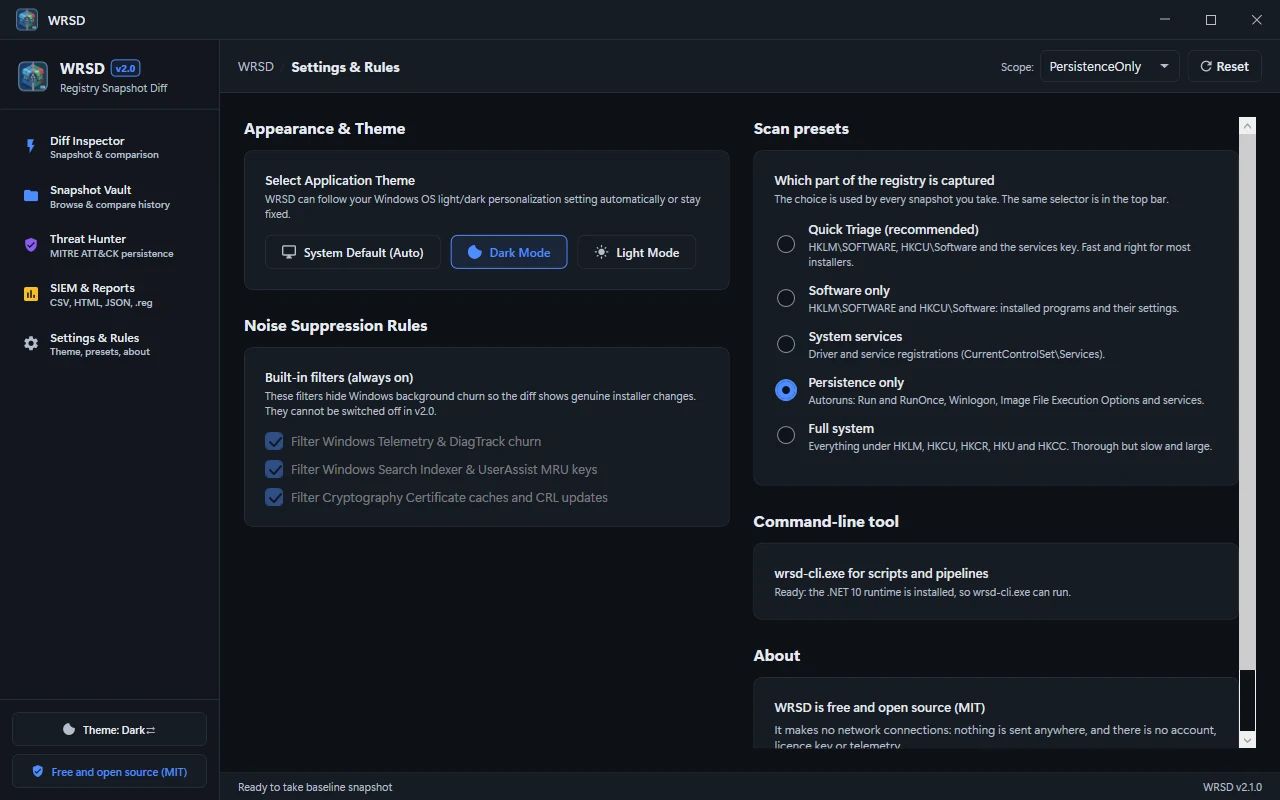
Windows telemetry, search indexer and certificate churn is hidden so you see what the installer really changed.
Threat Hunter
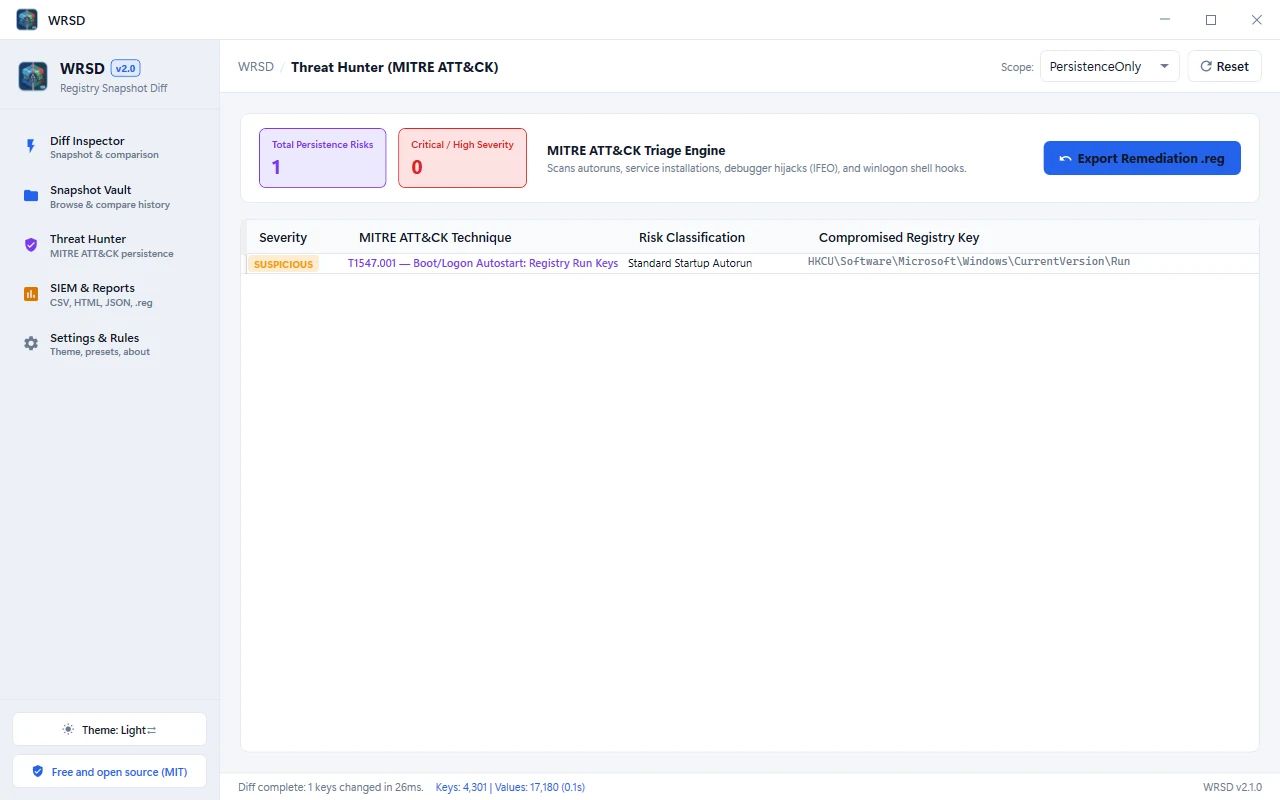
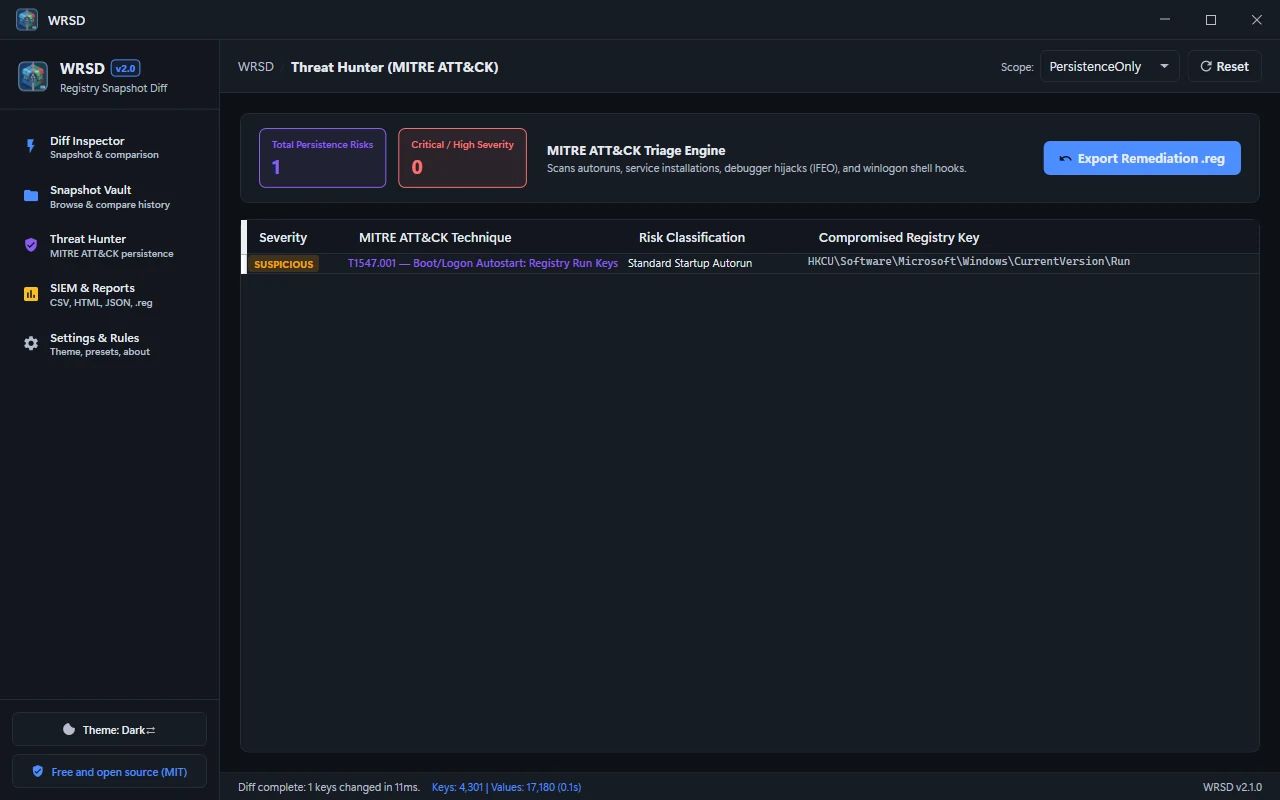
Run keys, services, IFEO debugger hijacks and Winlogon hooks are triaged and mapped to MITRE ATT&CK.
Undo and export
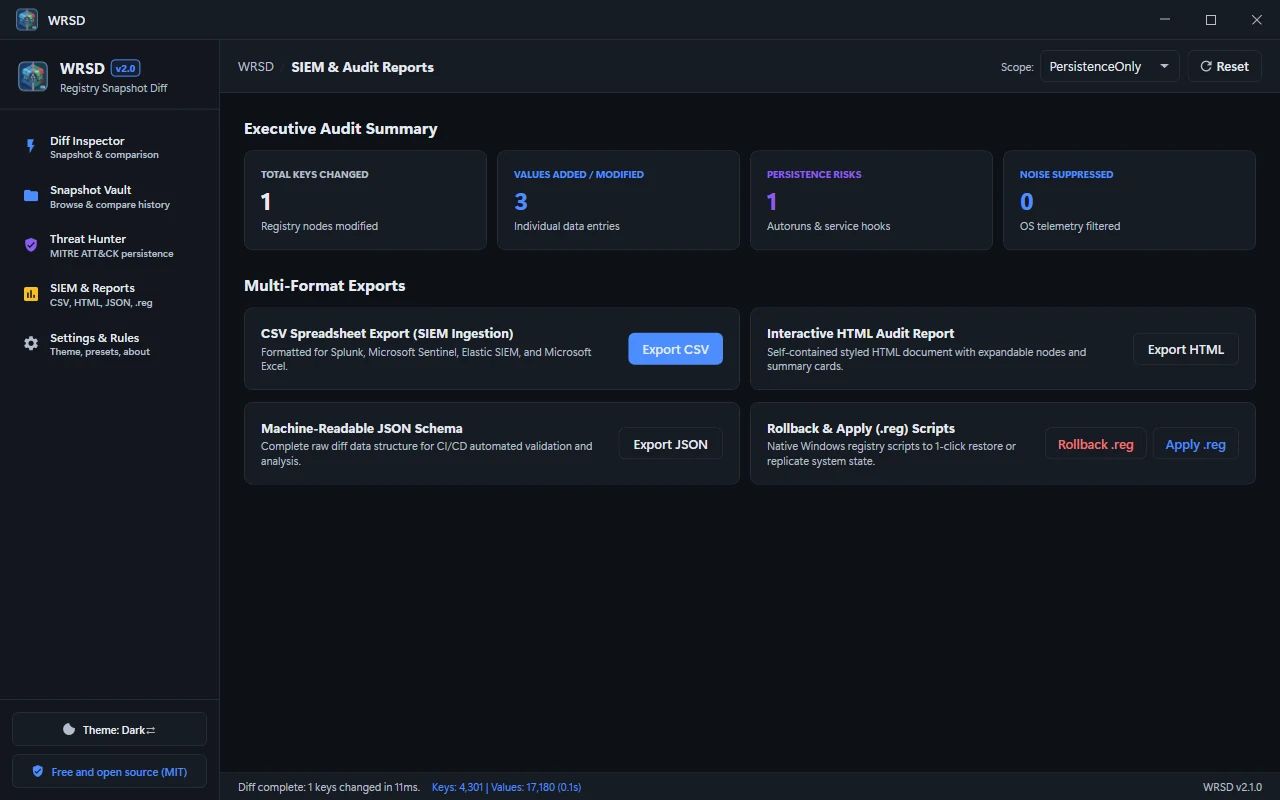
One-click undo .reg scripts, plus CSV, HTML and JSON reports for SIEM tools.
Command line
wrsd-cli snapshot and diff for scripts and pipelines.
How it works
Install WRSD
Run the installer. The app is self-contained, so there is nothing else to set up. Run it as Administrator to scan system keys.
Take a baseline
Press Baseline before you install software or change settings.
Compare
Make the change, press Compare Diff, then review the diff and Threat Hunter and export an undo .reg if needed.
- Version
- v2.1.0
- Platform
- Windows
- Download size
- 54 MB
- Price
- Free
- License
- MIT
Get WRSD
About 54 MB. Requires Windows 10 or 11 (64-bit). Self-contained installer, no separate .NET install needed for the app. Verify it against the published SHA-256 checksums on the release page. Early releases are not code-signed, so Windows SmartScreen may show an "unknown publisher" warning.
Questions, answered
Does WRSD collect any data?
No. It is MIT-licensed, open source and makes no network connections.
Do I need administrator rights?
Only to scan system (HKLM) keys; it is recommended for a complete diff.
Can I undo what an installer changed?
WRSD exports an undo .reg that restores altered registry values. Review it before importing.
Why does Windows SmartScreen show a warning?
Early releases are not code-signed. Verify the installer against the published SHA-256 checksums before running it.
Share this engineering resource
Recommend this software to colleagues.
Related Resources
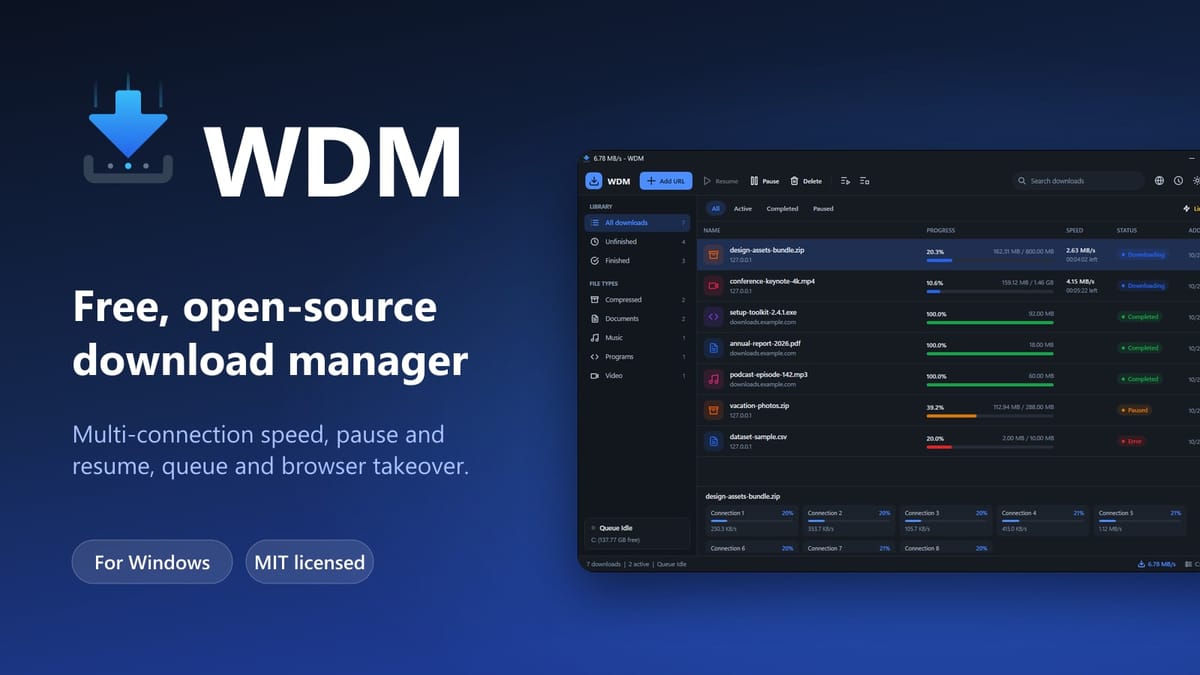
WDM — Free Open-Source Download Manager for Windows
Free, open-source multi-connection download manager for Windows with pause/resume, queues, scheduling, speed limits and Chrome/Edge/Brave/Firefox integration.
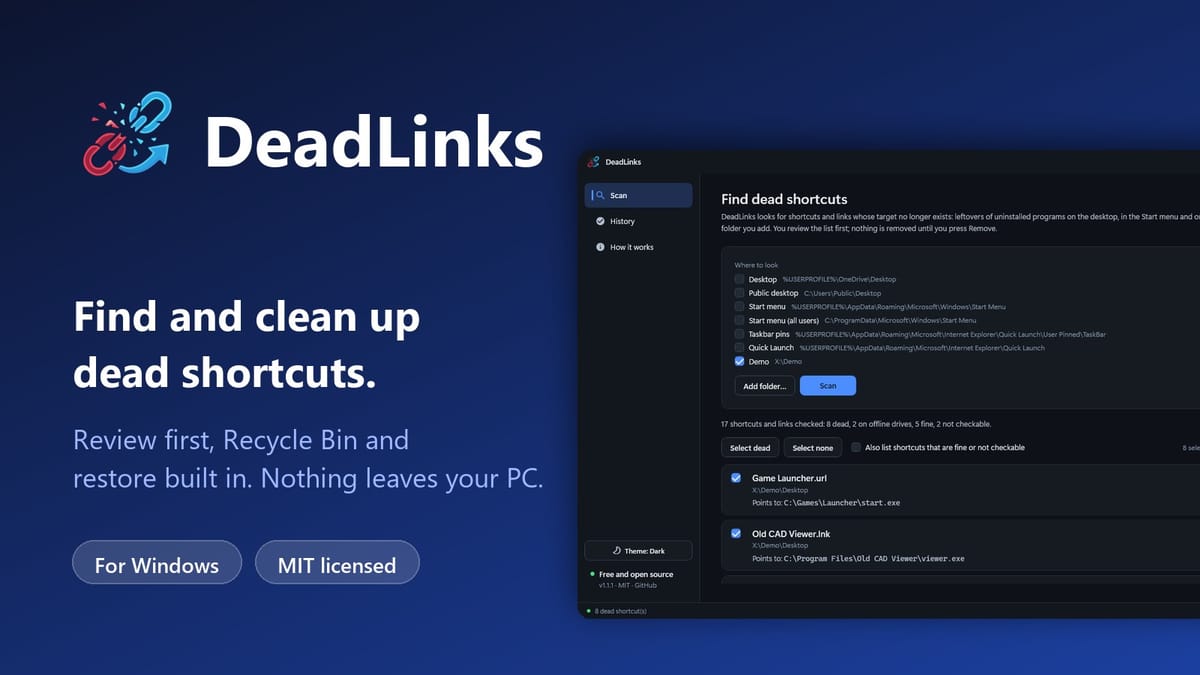
DeadLinks — Free Dead Shortcut and Broken Link Cleaner for Windows
Free, open-source Windows tool that finds shortcuts and links whose target no longer exists, lets you review them, and removes the ones you tick with a Recycle Bin copy and one-click restore.
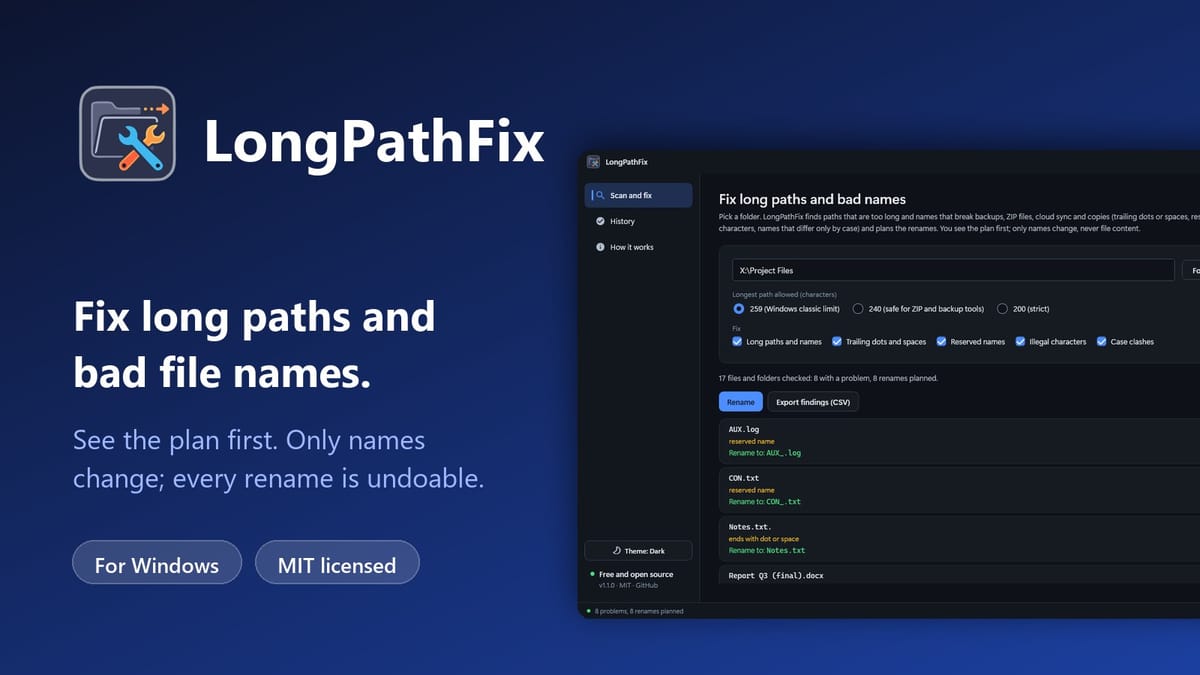
LongPathFix — Free Long Path and Illegal Filename Fixer for Windows
Free, open-source Windows tool that finds paths over the 259-character limit and names with trailing dots, reserved names or illegal characters, shows the rename plan first, and fixes them with one-click undo.