
Clean out dead shortcuts. Safely.
Free, open-source Windows tool that finds shortcuts and links whose target no longer exists, lets you review them, and removes the ones you tick with a Recycle Bin copy and one-click restore.
DeadLinks-Setup-1.1.1.exe · Requires Windows 10 or 11 (64-bit)
- Version
- v1.1.1
- Platform
- Windows
- Download size
- 54 MB
- Price
- Free
- License
- MIT
Up and running in 3 steps
Install DeadLinks
Run the installer. It is self-contained, so there is nothing else to set up.
Scan
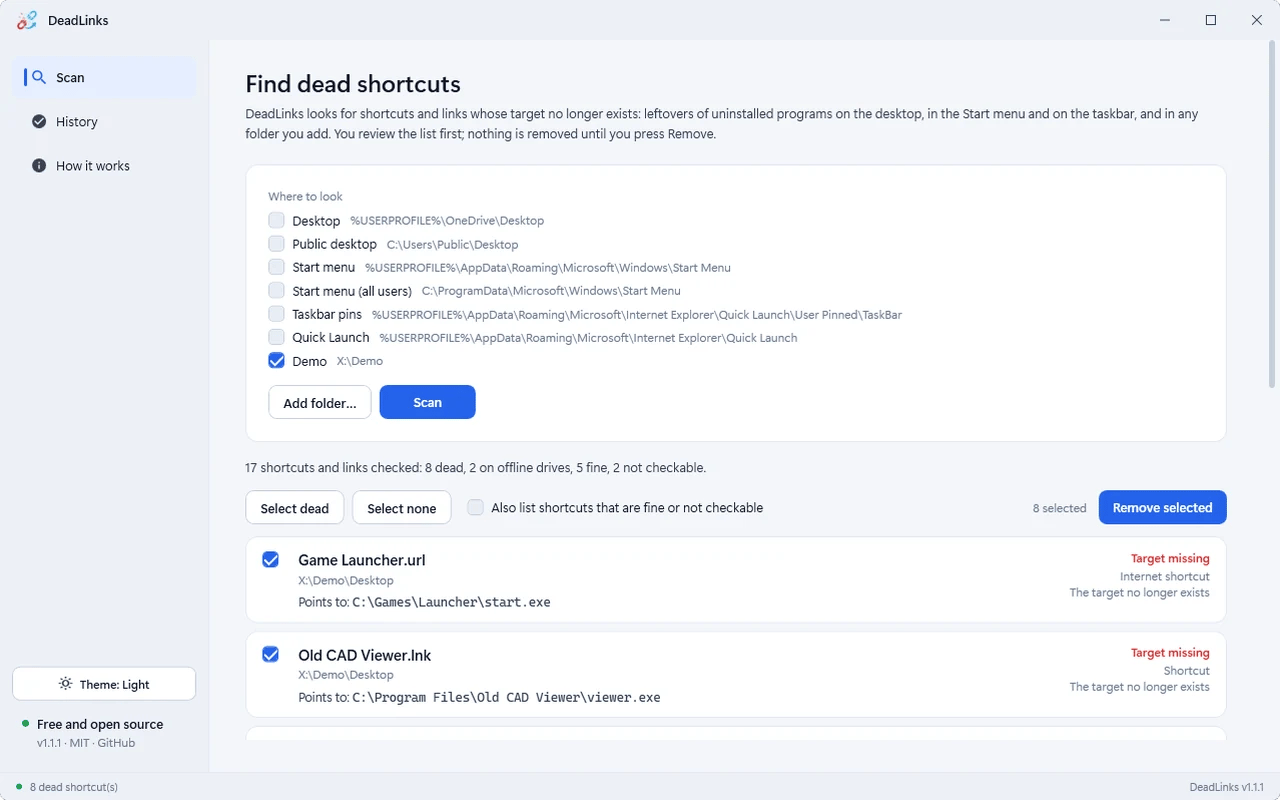
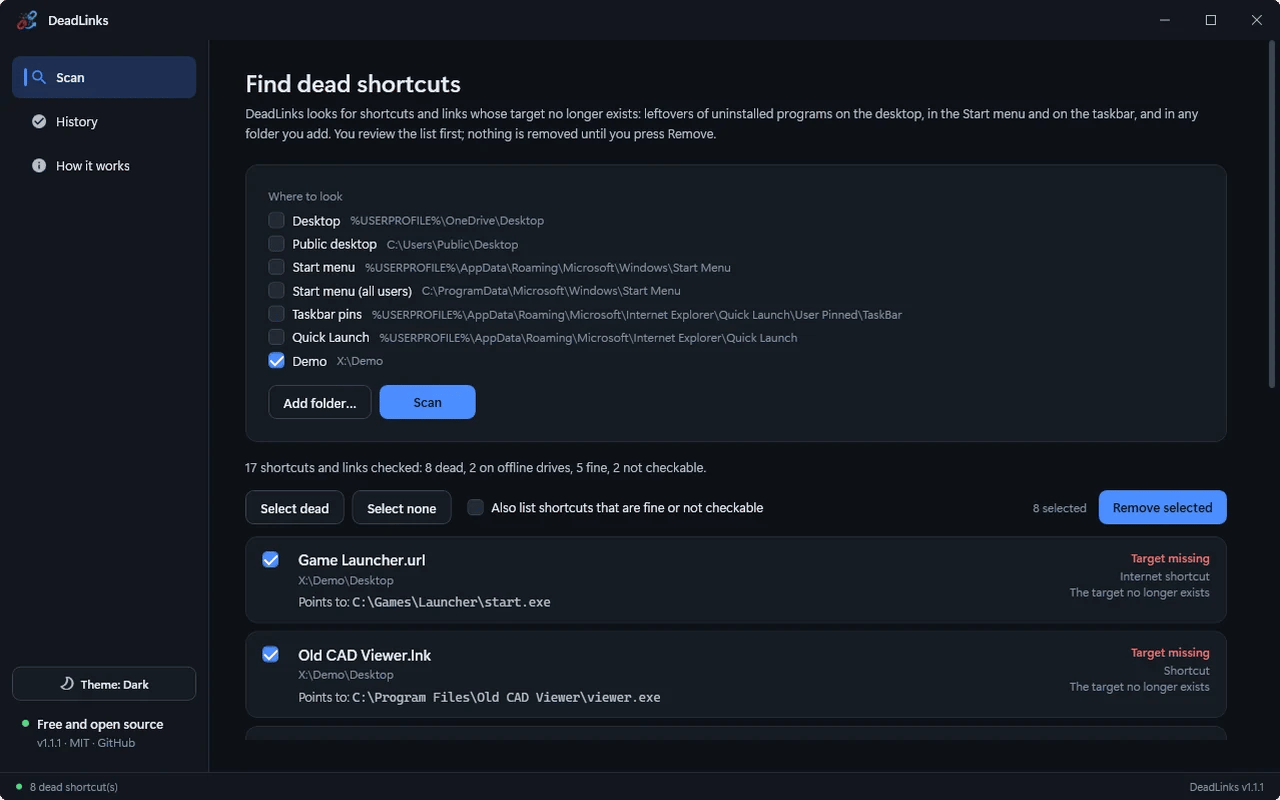
Pick the locations (Desktop, Start menu, taskbar or any folder) and press Scan.
Review and remove
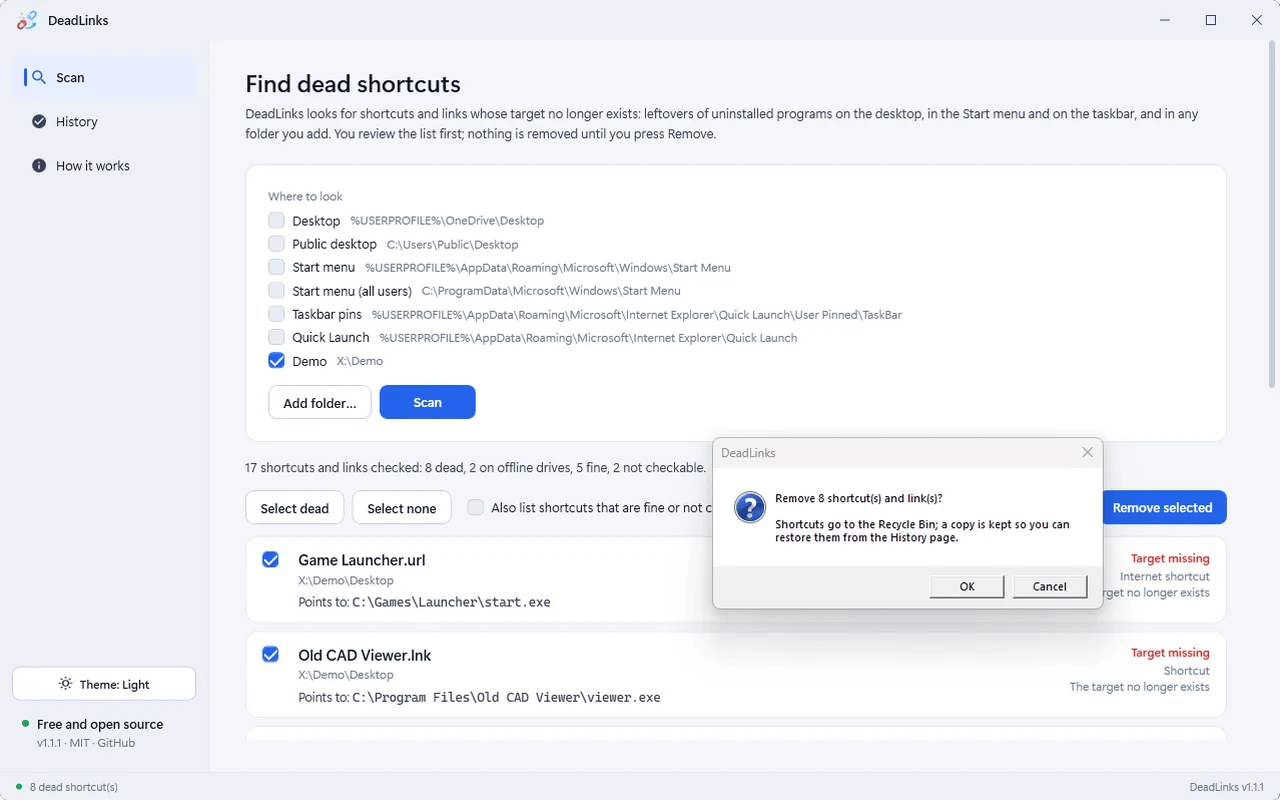
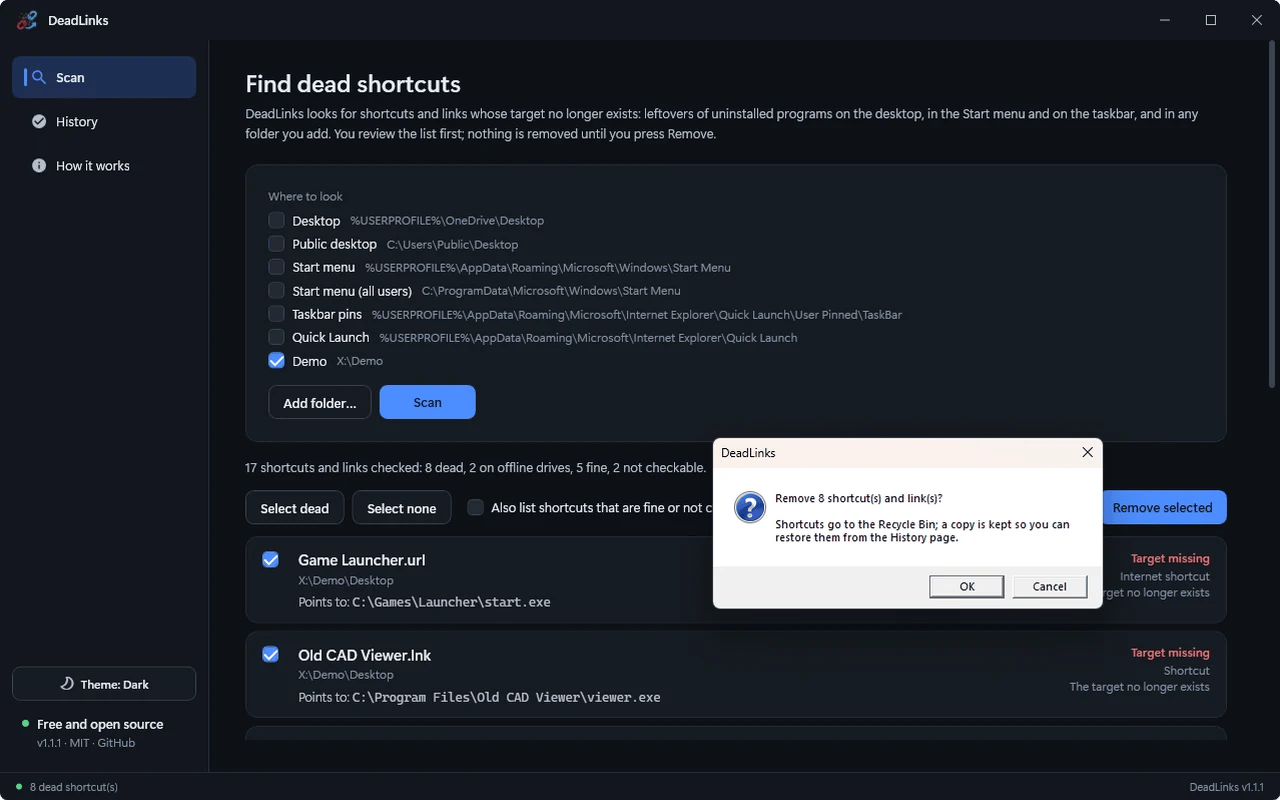
Tick the dead shortcuts, confirm, and use History to restore anything.
What DeadLinks does
Finds what is really dead
Shortcuts (.lnk), internet shortcuts to local files, symbolic links and junctions whose target no longer exists.
Never guesses
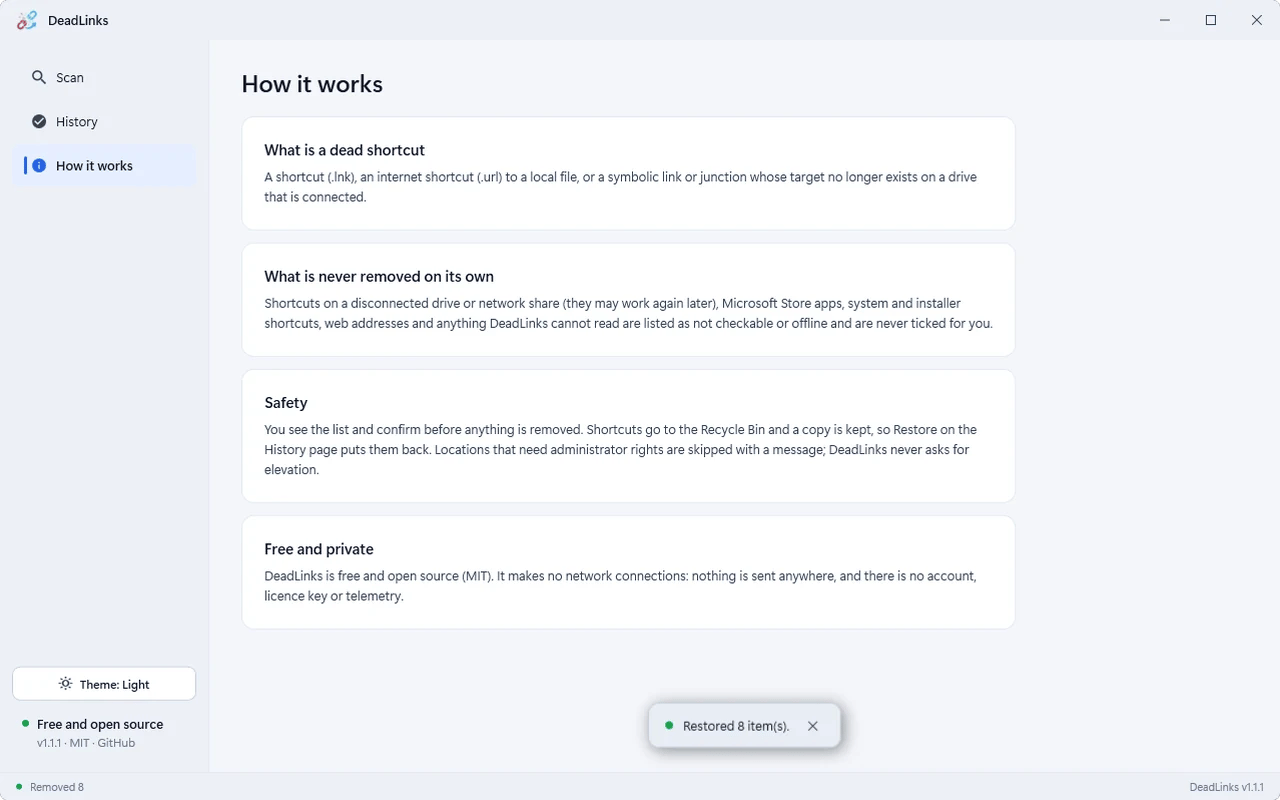
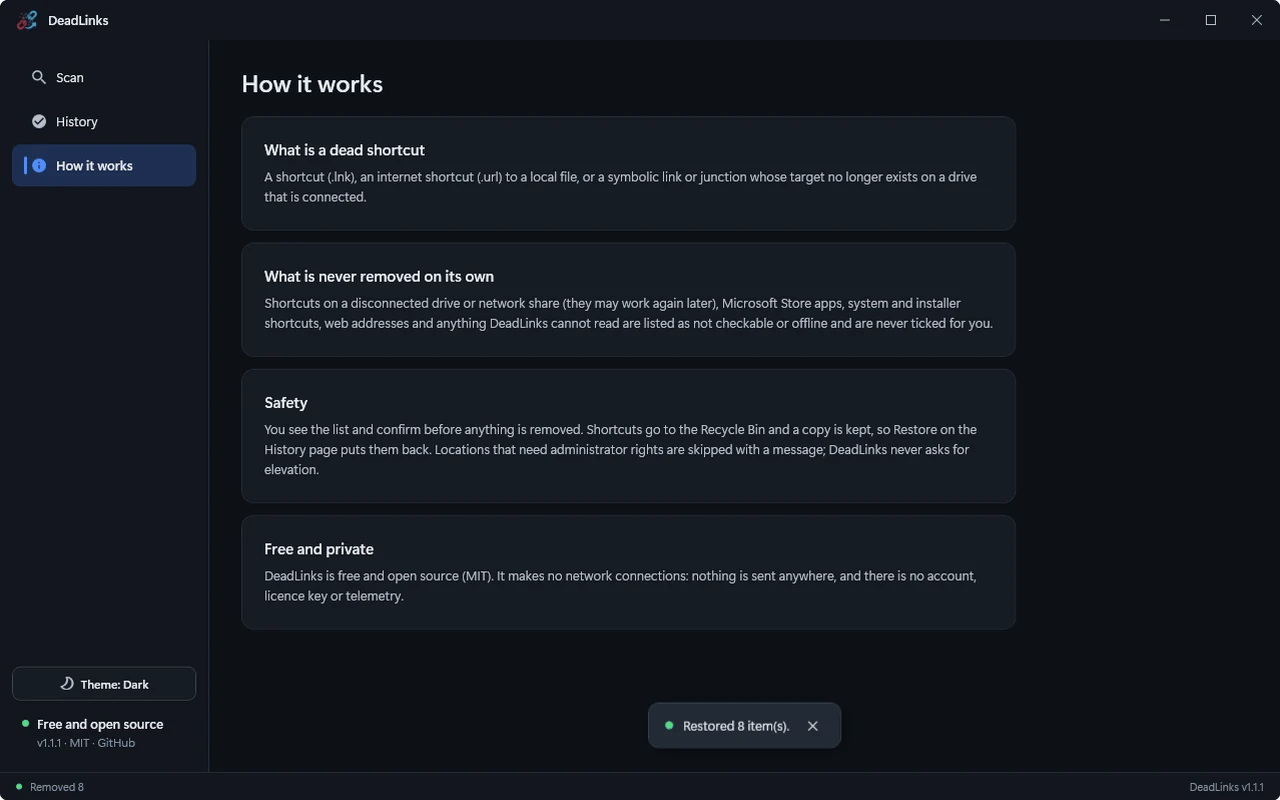
Disconnected drives and network shares are listed as offline and never ticked; Store apps, installer shortcuts and web addresses are not checked.
Review, then remove
You tick the list and confirm. Shortcuts go to the Recycle Bin and a copy is kept.
History and restore
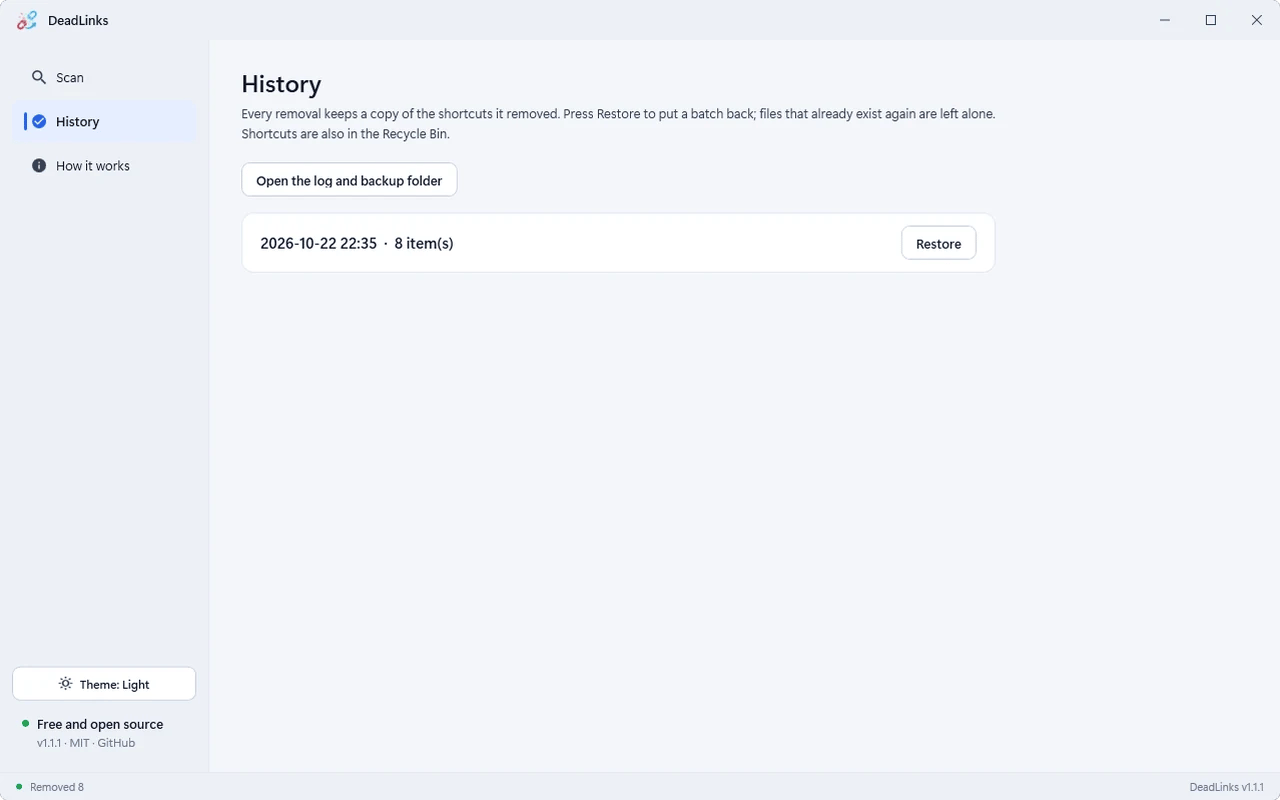
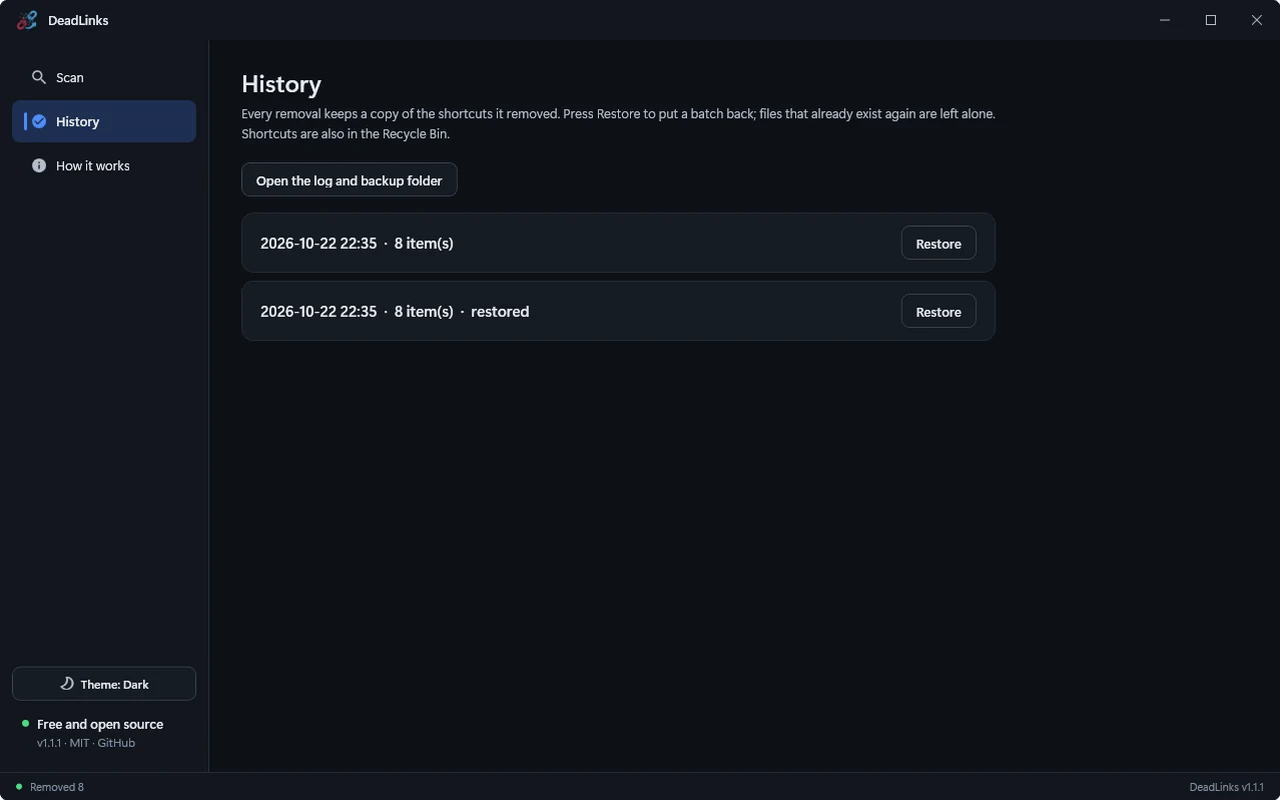
Every removal batch is logged; Restore puts it back and never overwrites what exists.
Command line
Run DeadLinks.exe <folder> to scan just that folder.
DeadLinks in action
Get DeadLinks
About 54 MB. Requires Windows 10 or 11 (64-bit). Self-contained installer, no separate .NET install needed. Verify it against the published SHA-256 checksums on the release page. Early releases are not code-signed, so Windows SmartScreen may show an "unknown publisher" warning.
Questions, answered
Does DeadLinks collect any data?
No. It is MIT-licensed, open source and makes no network connections.
Can I undo a removal?
Yes. Shortcuts go to the Recycle Bin and a copy is kept; History restores a whole batch.
Will it remove shortcuts on a disconnected drive?
Not on its own. They are listed as offline and are never ticked for you.
Why does Windows SmartScreen show a warning?
Early releases are not code-signed. Verify the installer against the published SHA-256 checksums before running it.
Share this engineering resource
Recommend this software to colleagues.
Related Resources
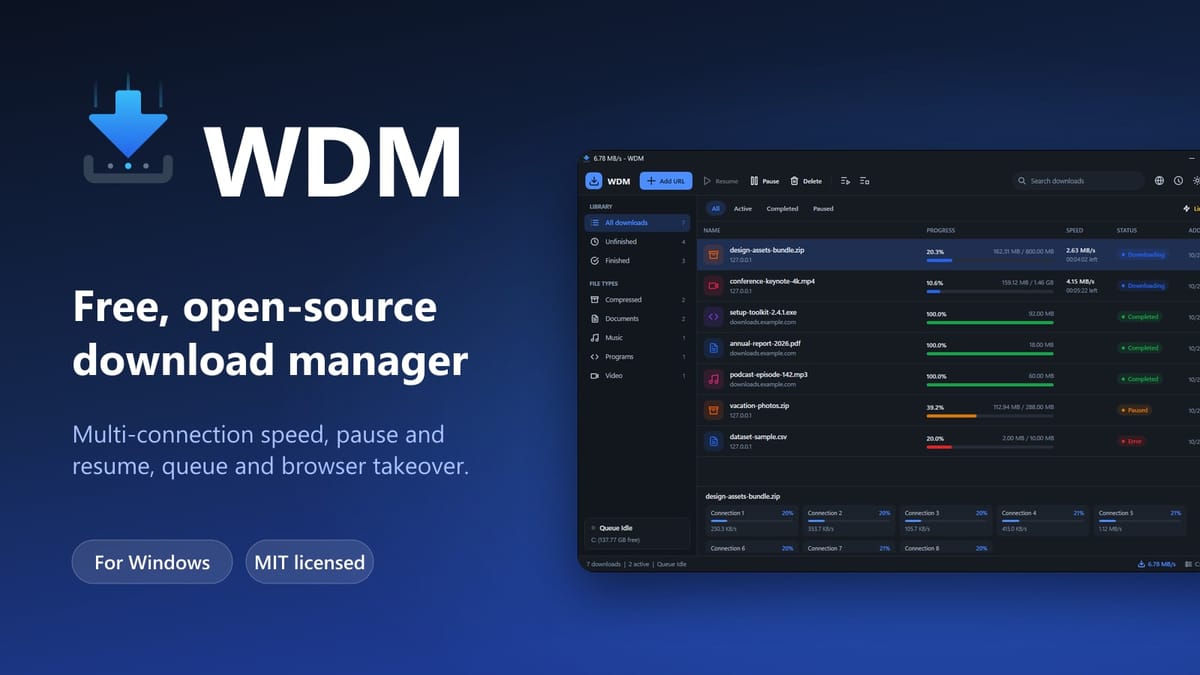
WDM — Free Open-Source Download Manager for Windows
Free, open-source multi-connection download manager for Windows with pause/resume, queues, scheduling, speed limits and Chrome/Edge/Brave/Firefox integration.
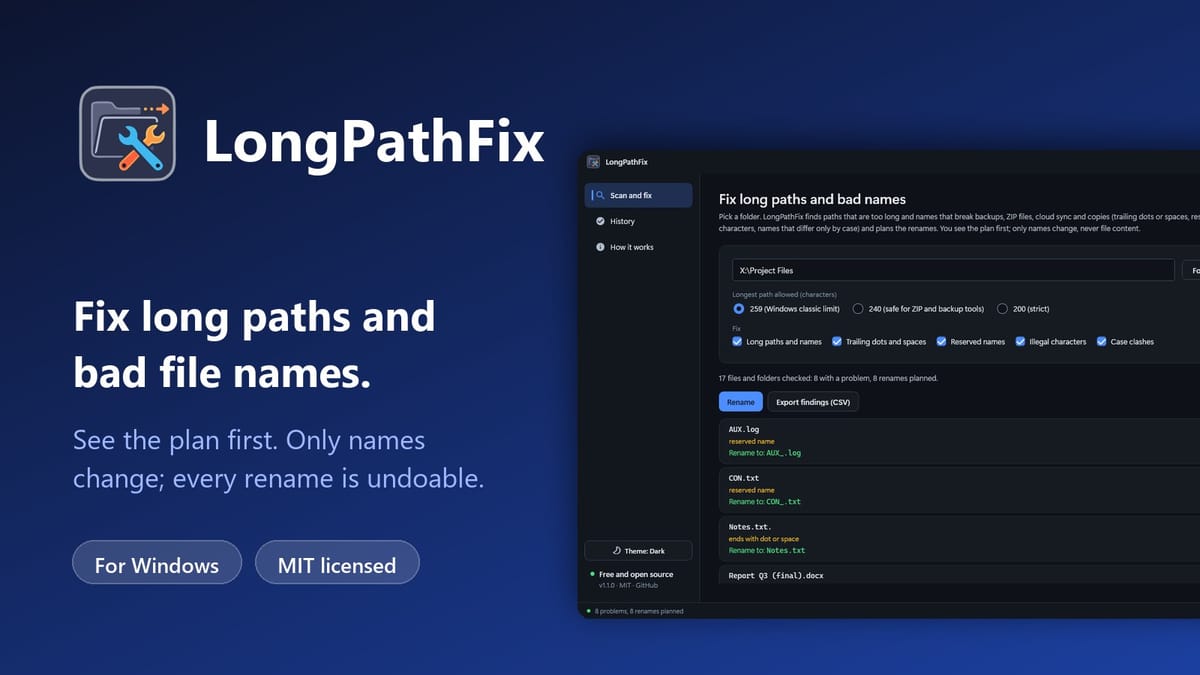
LongPathFix — Free Long Path and Illegal Filename Fixer for Windows
Free, open-source Windows tool that finds paths over the 259-character limit and names with trailing dots, reserved names or illegal characters, shows the rename plan first, and fixes them with one-click undo.
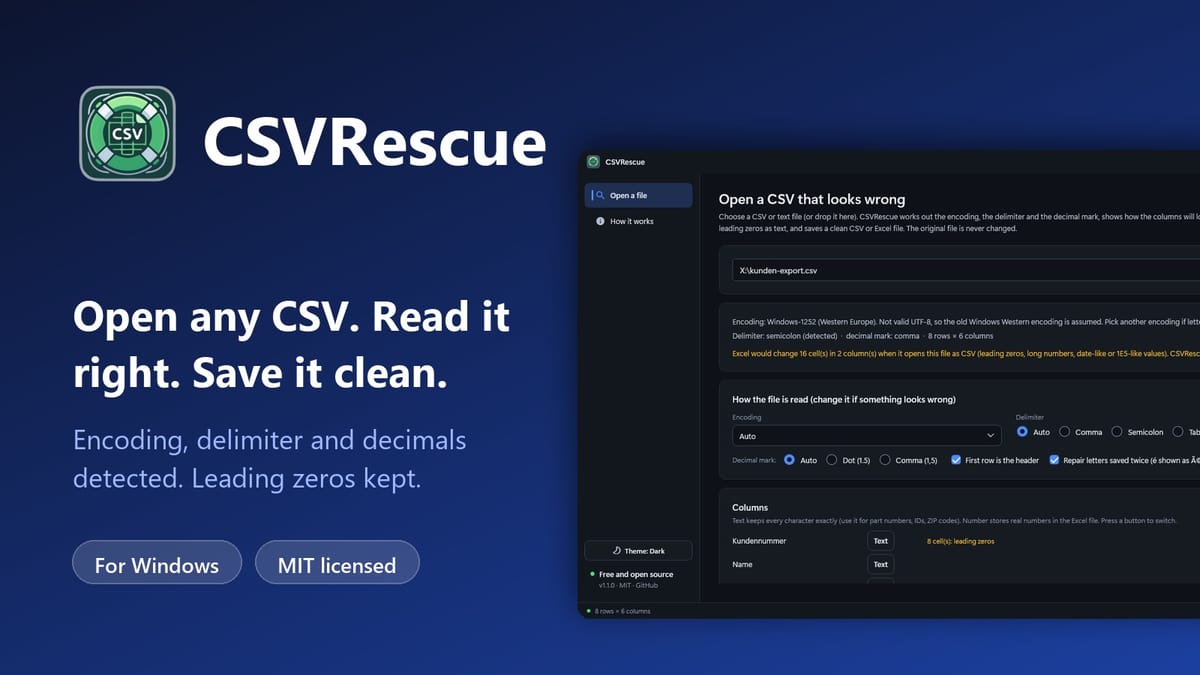
CSVRescue — Free CSV Encoding and Excel Cleaner for Windows
Free, open-source Windows tool that detects a CSV file’s encoding, delimiter and decimal mark, keeps IDs and leading zeros as text, and saves a clean CSV or Excel file without touching the original.