
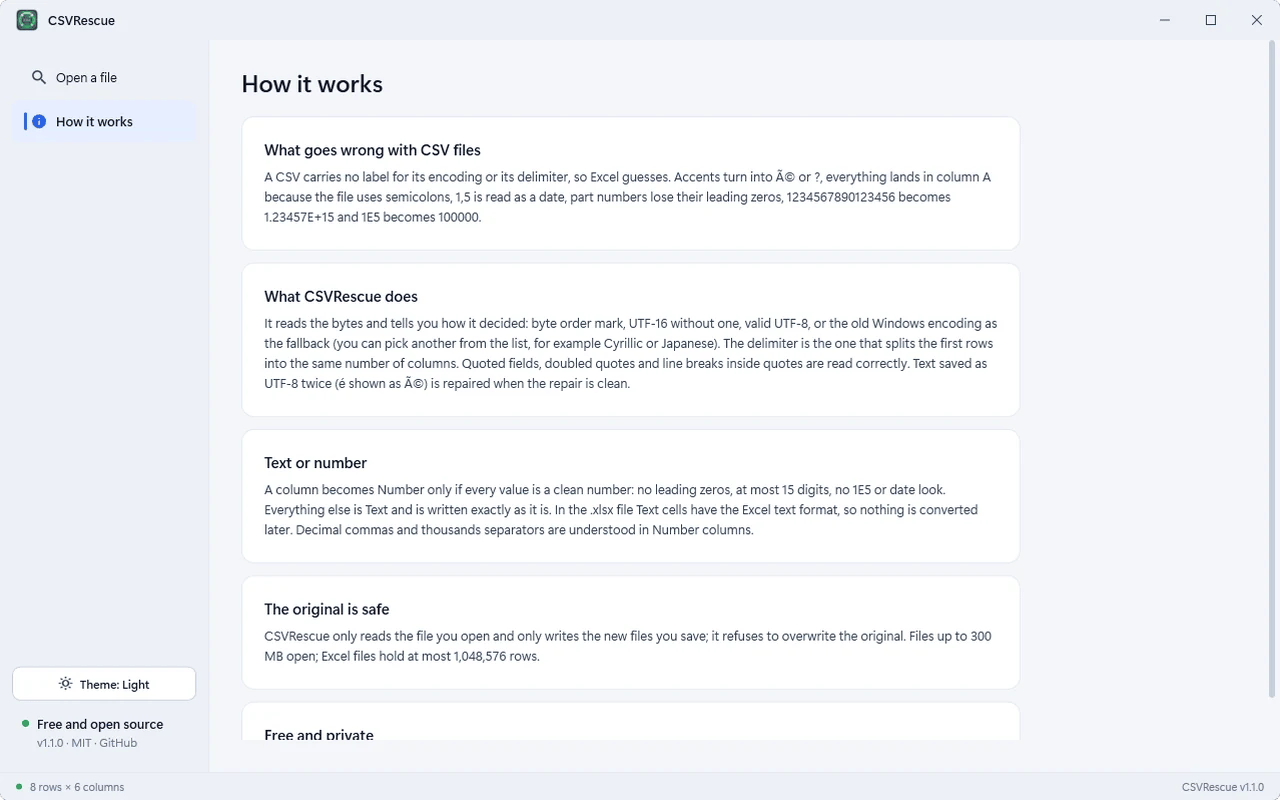
Open any CSV. Read it right.
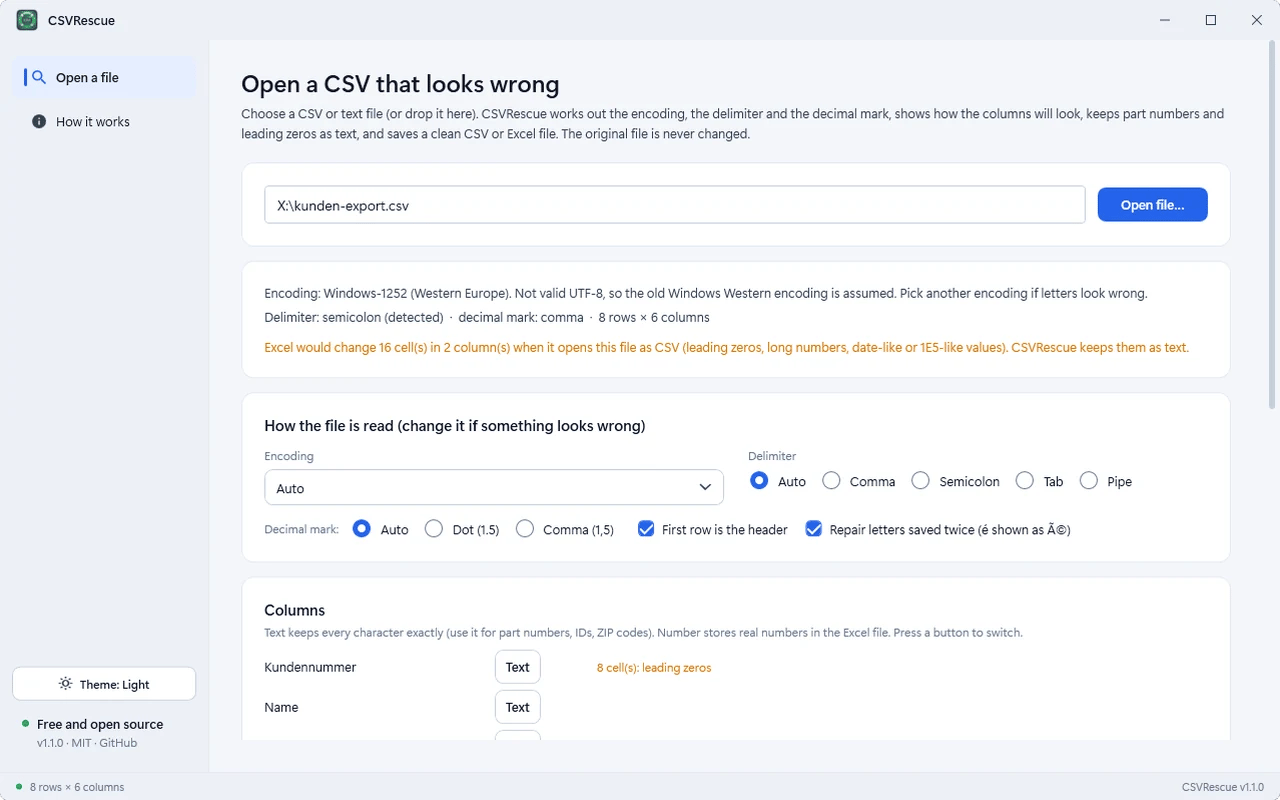
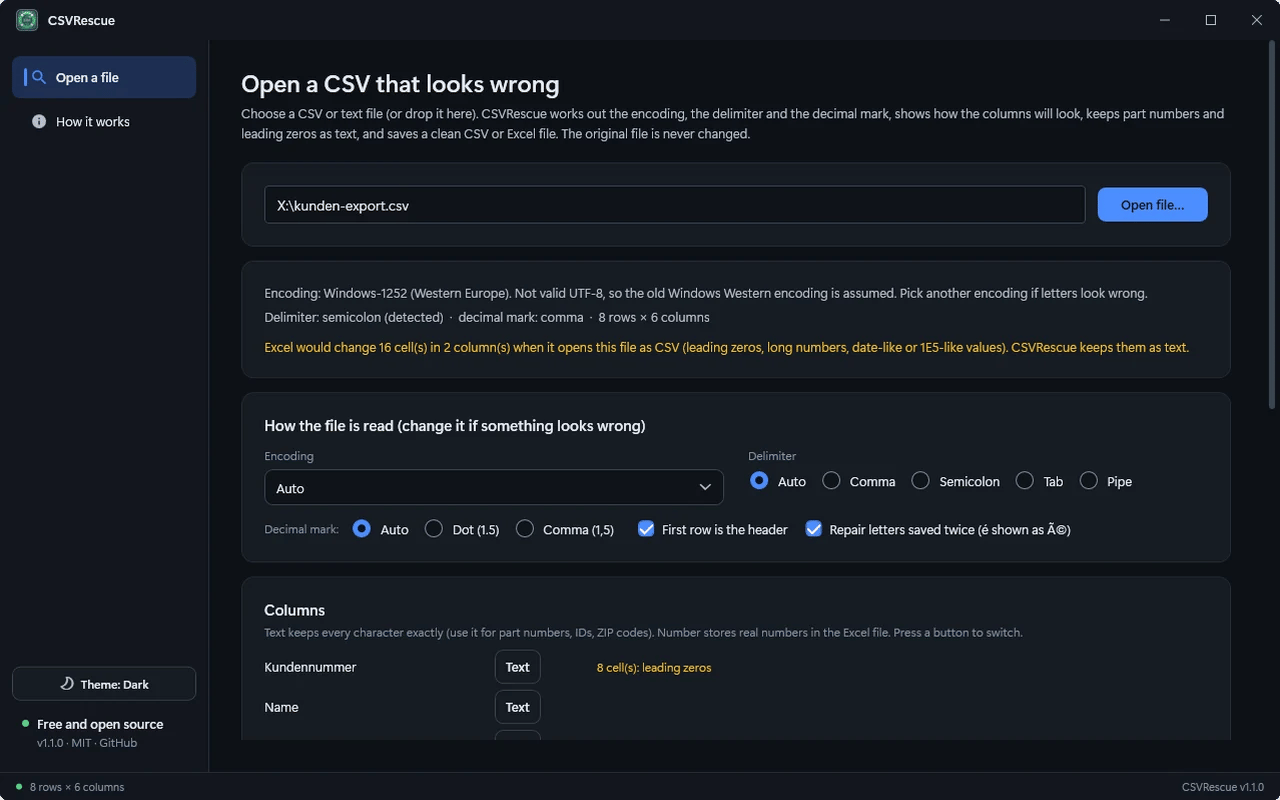
Free, open-source Windows tool that detects a CSV file’s encoding, delimiter and decimal mark, keeps IDs and leading zeros as text, and saves a clean CSV or Excel file without touching the original.
- None
- Network connections
- MIT
- License
- None
- Telemetry
Everything CSVRescue brings
01Detects how it is written
Encoding, delimiter and decimal mark are worked out for you, and every choice can be overridden.
02Fixes garbled letters
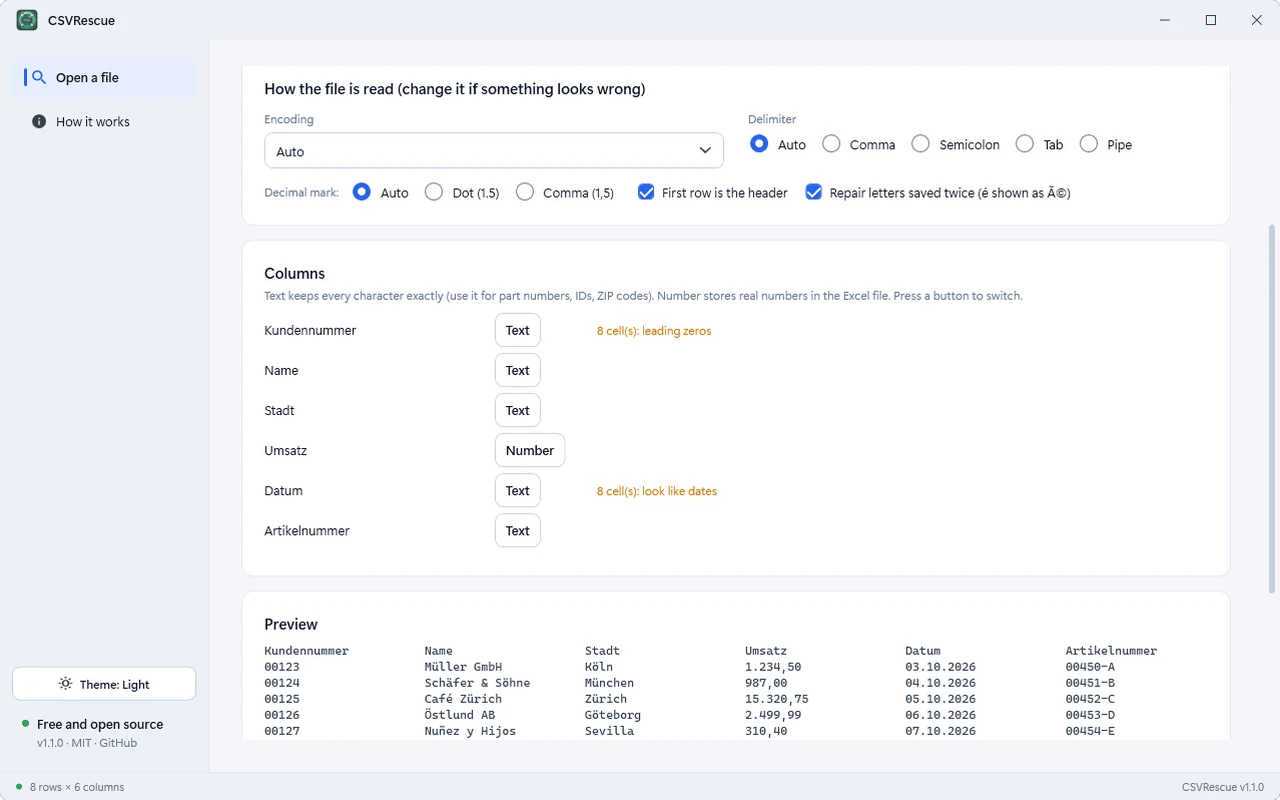
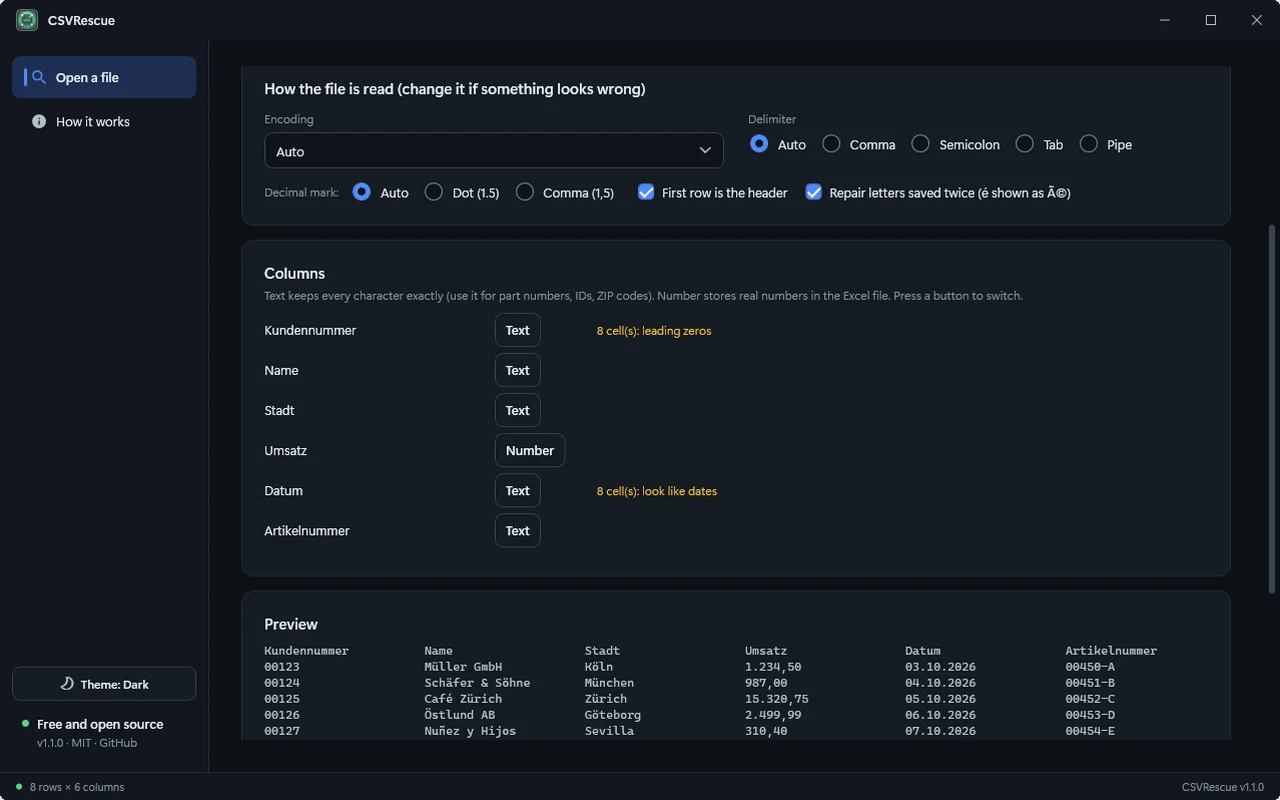
Windows-1252, UTF-16, Shift-JIS, GBK and more; text saved as UTF-8 twice is repaired.
03Keeps your data intact
Part numbers, IDs, leading zeros and long numbers stay as text, so Excel cannot change them.
04Saves clean files
Excel (.xlsx) with real numbers and a frozen header, or UTF-8 CSV with the delimiter you choose.
05Original untouched
CSVRescue writes only the new file and refuses to reuse the original name.
Three moves
Install CSVRescue
Run the installer. It is self-contained, so there is nothing else to set up.
Open a file
Drop a CSV onto the window or press Open file and check how it is read.
Save
Save as Excel (.xlsx) or as a clean CSV.

Get CSVRescue
About 54 MB. Requires Windows 10 or 11 (64-bit). Self-contained installer, no separate .NET install needed. Verify it against the published SHA-256 checksums on the release page. Early releases are not code-signed, so Windows SmartScreen may show an "unknown publisher" warning.
CSVRescue-Setup-1.1.0.exe
Questions, answered
Does CSVRescue collect any data?
No. It is MIT-licensed, open source and makes no network connections.
Is my original file changed?
Never. CSVRescue only reads it and writes the new file you save.
Why do my accents look wrong in Excel?
A CSV carries no encoding label, so Excel guesses. CSVRescue detects it and saves a clean file.
Why does Windows SmartScreen show a warning?
Early releases are not code-signed. Verify the installer against the published SHA-256 checksums before running it.
Share this engineering resource
Recommend this software to colleagues.
Related Resources
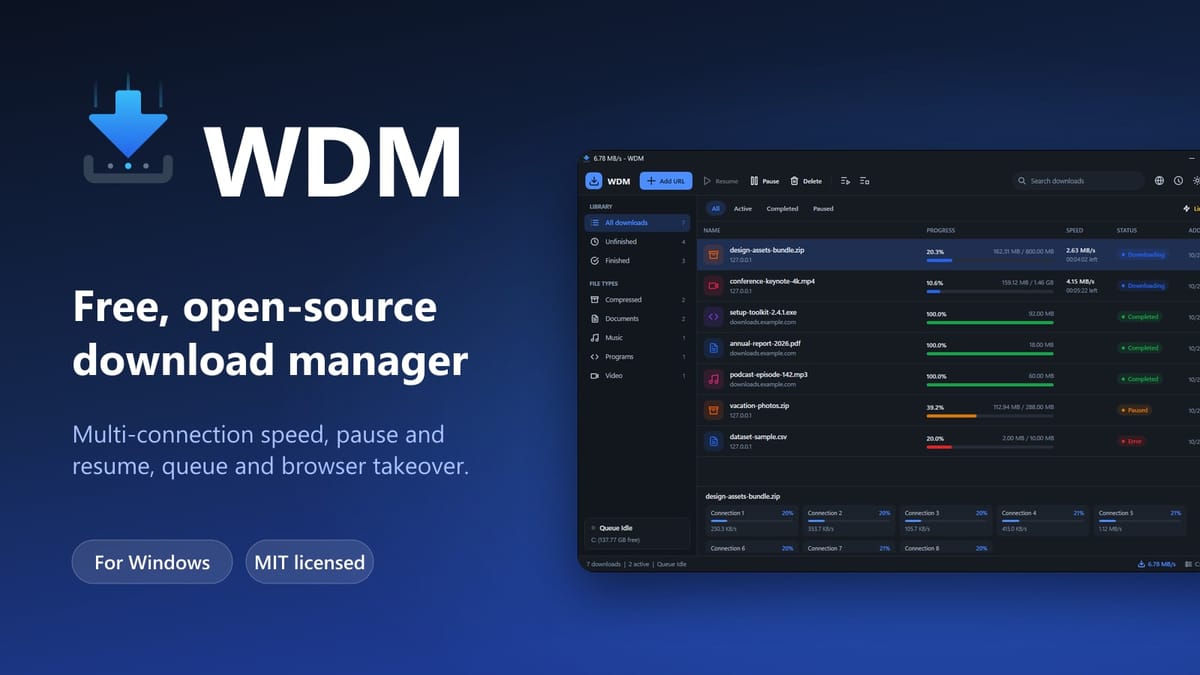
WDM — Free Open-Source Download Manager for Windows
Free, open-source multi-connection download manager for Windows with pause/resume, queues, scheduling, speed limits and Chrome/Edge/Brave/Firefox integration.
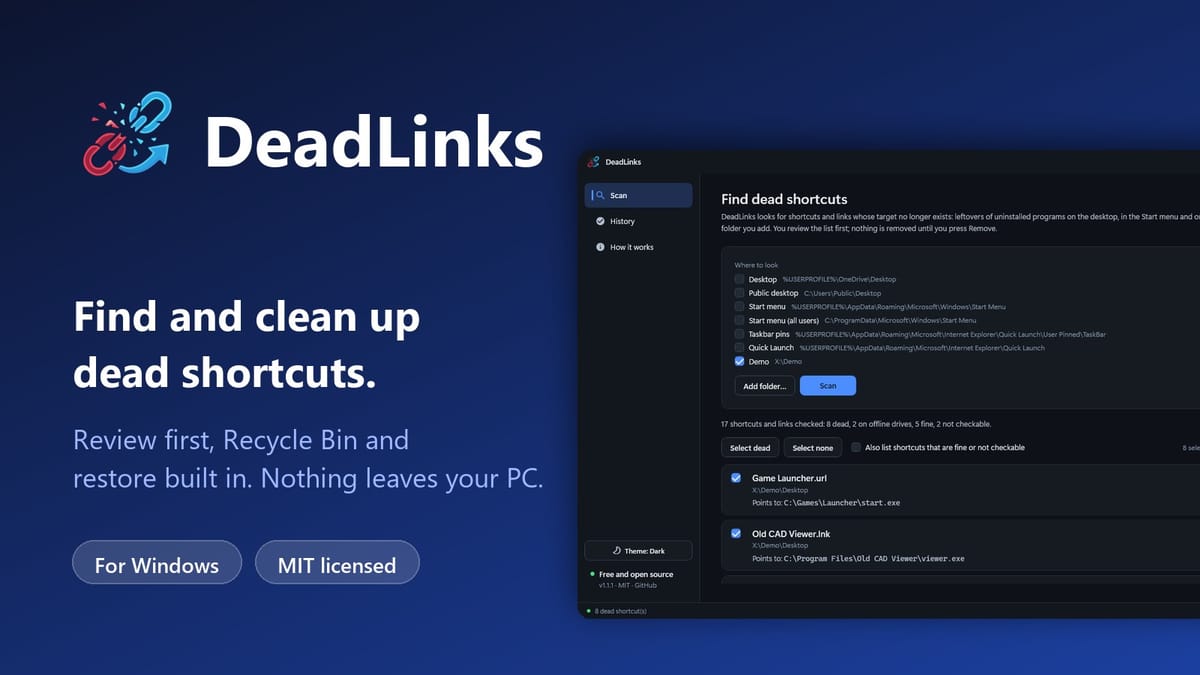
DeadLinks — Free Dead Shortcut and Broken Link Cleaner for Windows
Free, open-source Windows tool that finds shortcuts and links whose target no longer exists, lets you review them, and removes the ones you tick with a Recycle Bin copy and one-click restore.
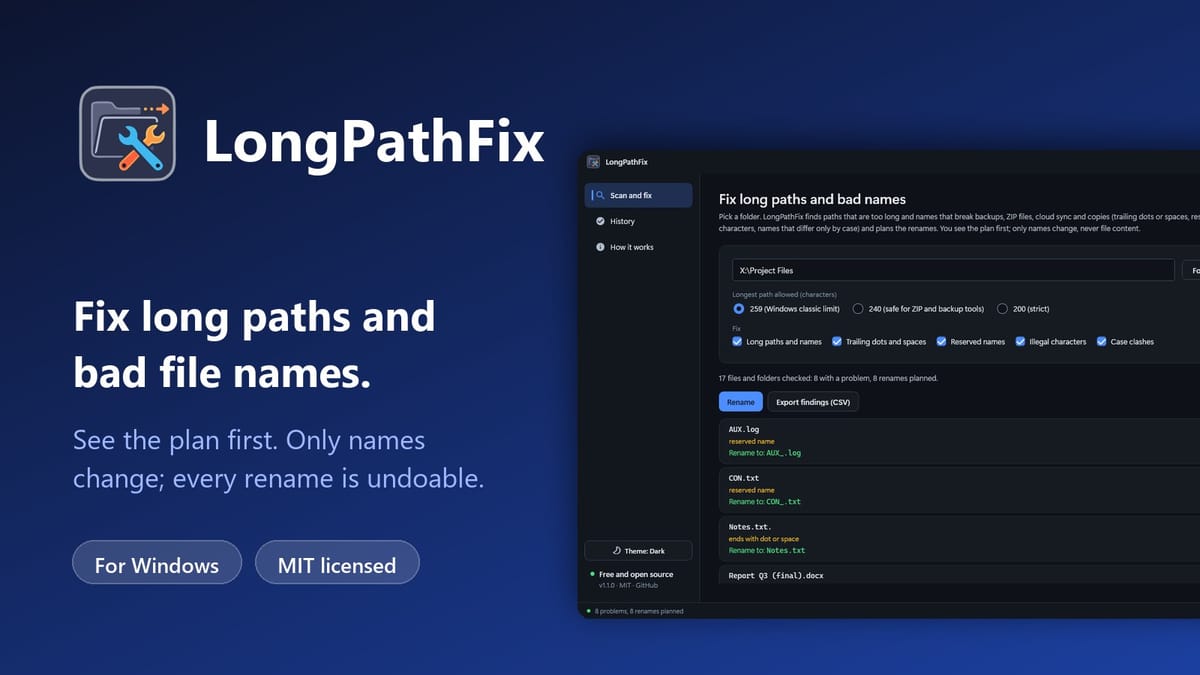
LongPathFix — Free Long Path and Illegal Filename Fixer for Windows
Free, open-source Windows tool that finds paths over the 259-character limit and names with trailing dots, reserved names or illegal characters, shows the rename plan first, and fixes them with one-click undo.