
Score your BOM and cut-list in seconds
Free read-only Python script that scores a SolidWorks BOM or cut-list CSV for empty custom properties, invalid values, part-number pattern breaks, duplicates and bad cut-list lengths or quantities, with JSON output and a pass-rate gate for releases.
A free, read-only script that scores a SolidWorks BOM or cut-list export before a drawing package is released. It is the audit from SolidWorks Automation: Batch Custom Properties, Cut-Lists, and Production Drawings, as a single file. Standard library only; it never opens SolidWorks and never changes a model.
What it checks
| Check | Question it answers |
|---|---|
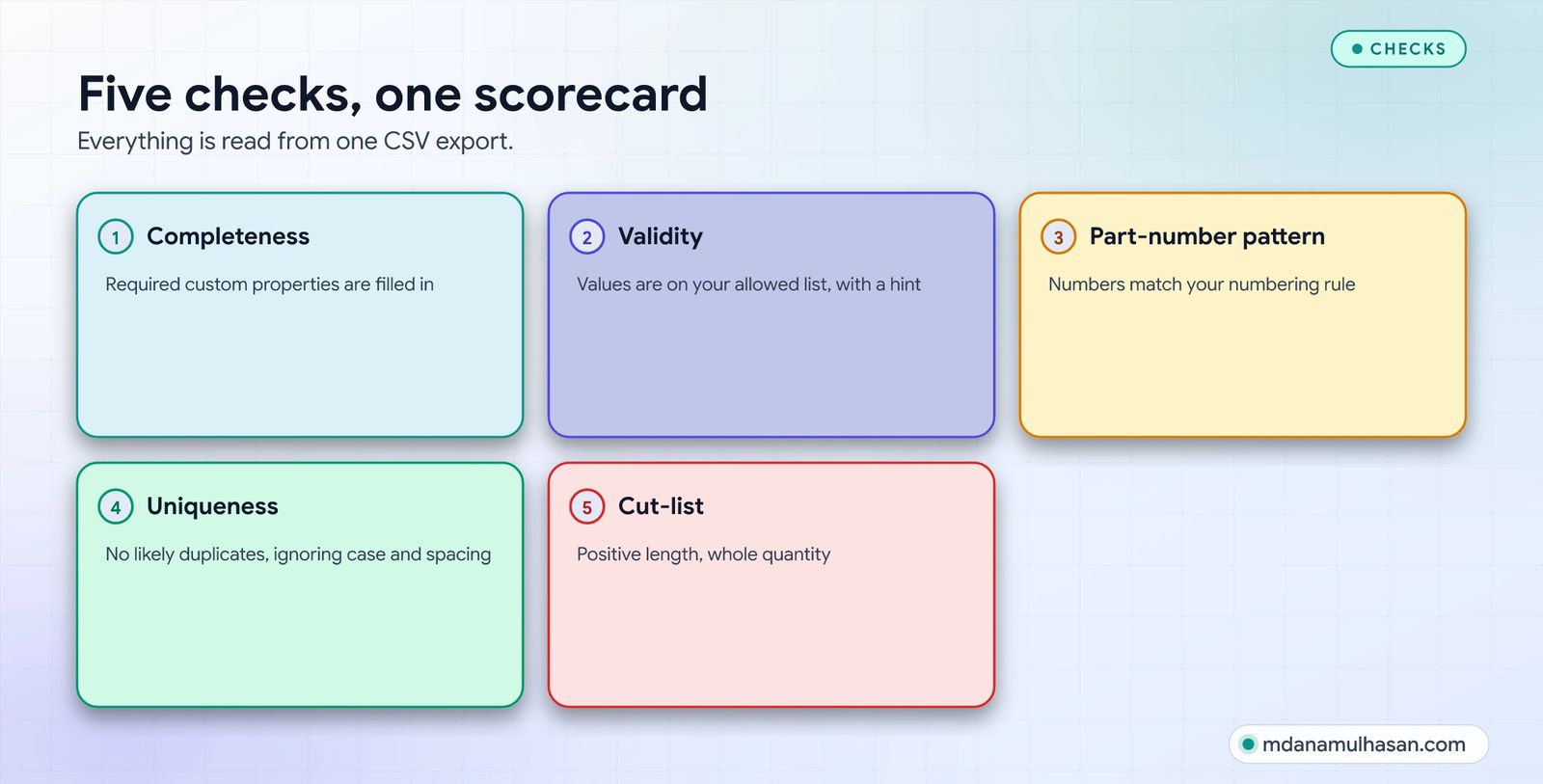
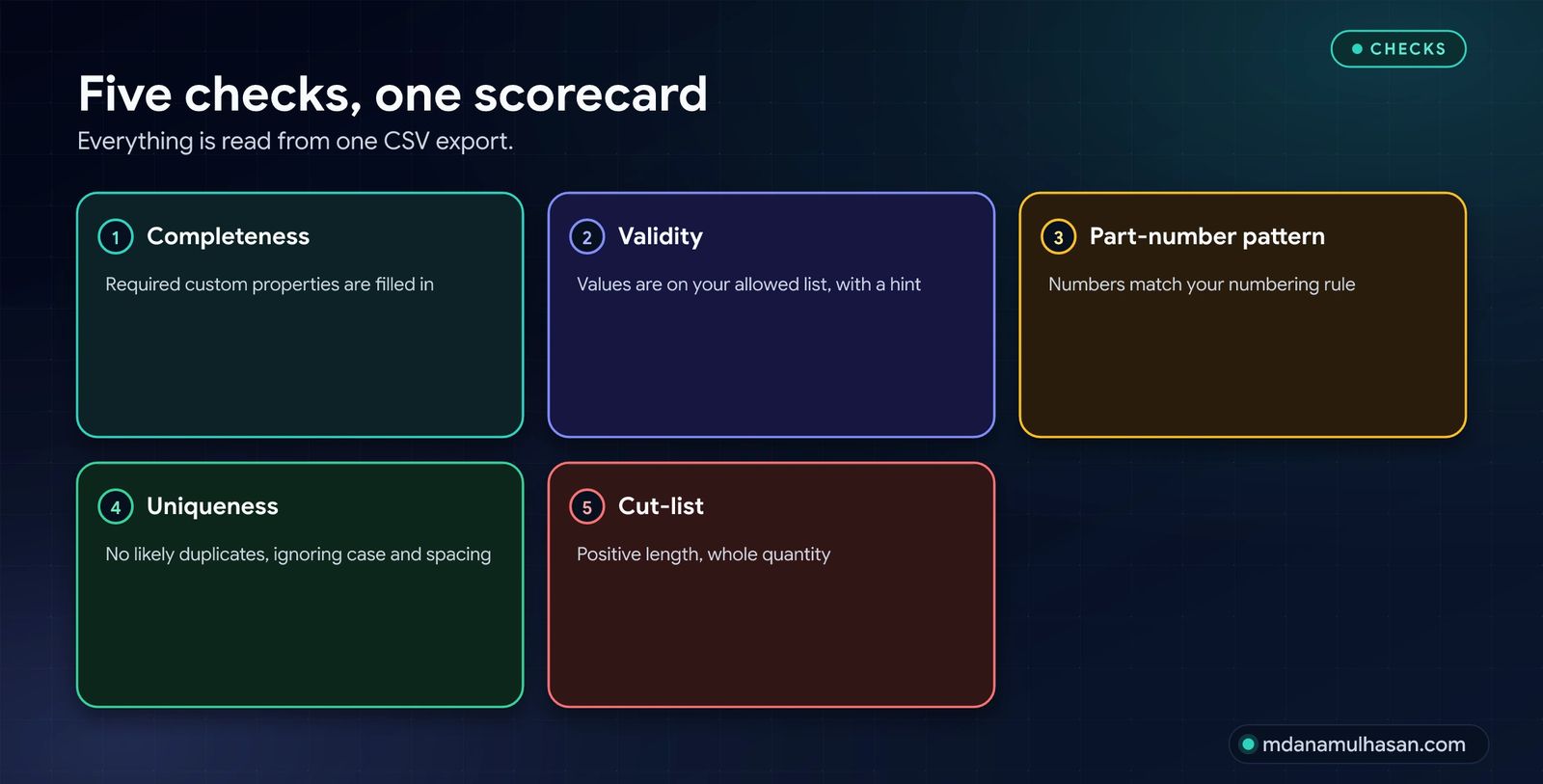
| Completeness | Are the required custom properties filled in? |
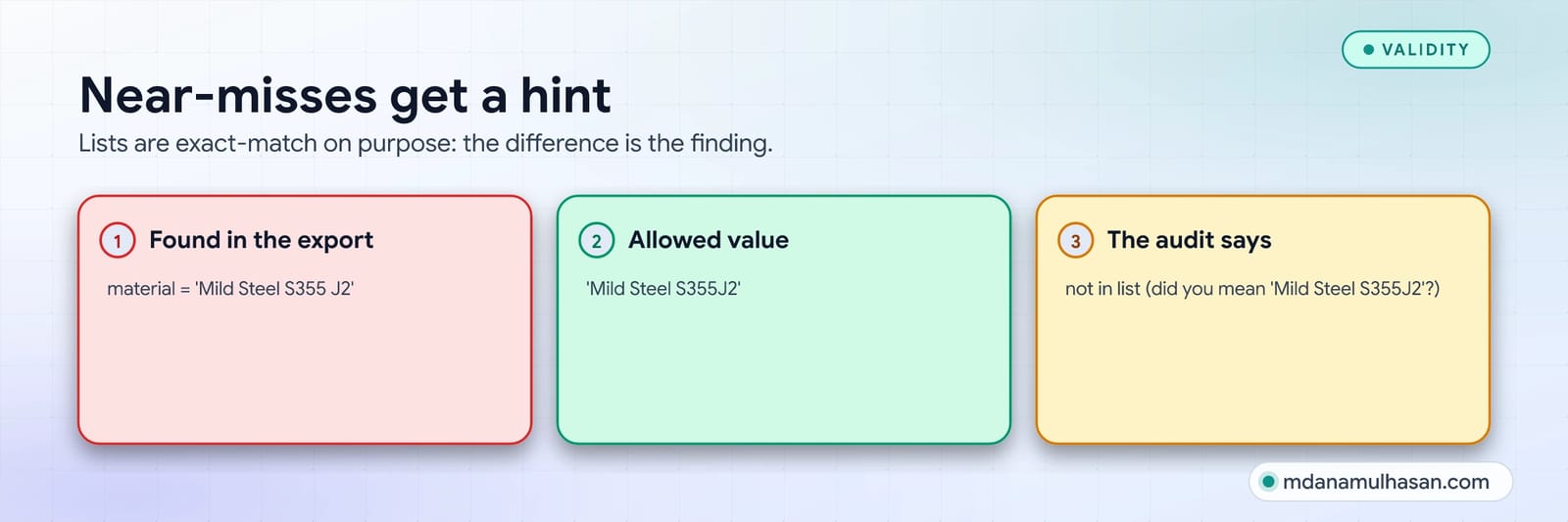
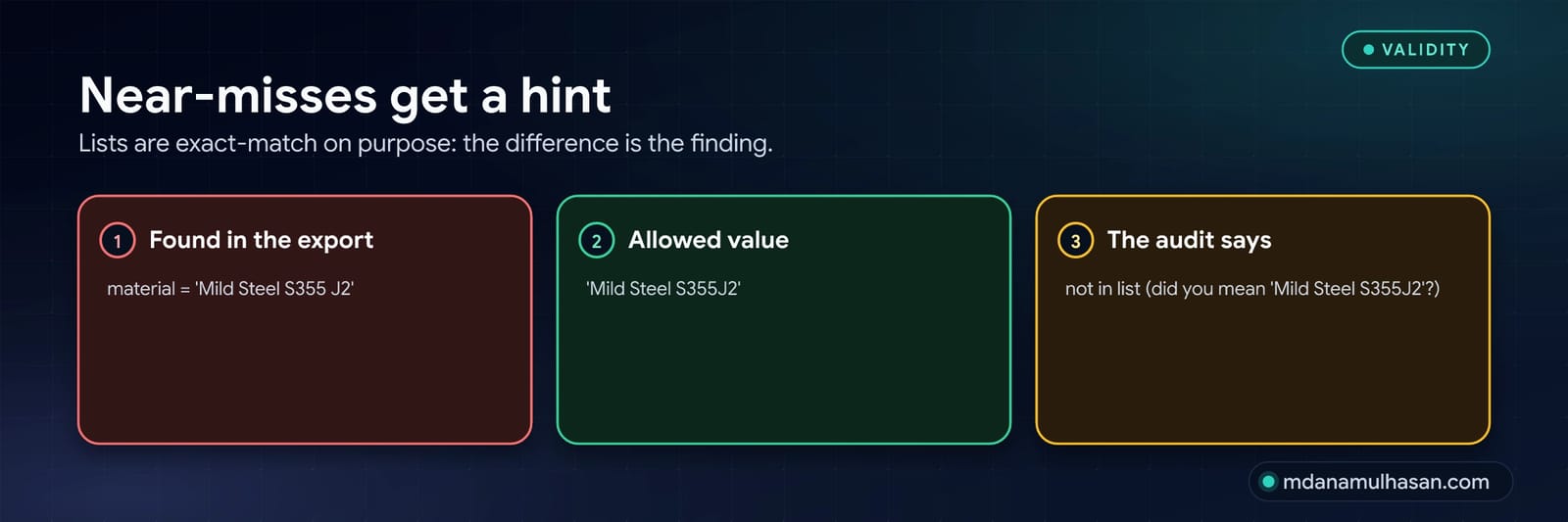
| Validity | Is every value on the allowed list? Near-misses get a “did you mean” hint. |
| Part-number pattern | Does every part number match your numbering rule? |
| Uniqueness | Are there likely duplicates (case, spacing and punctuation ignored)? |
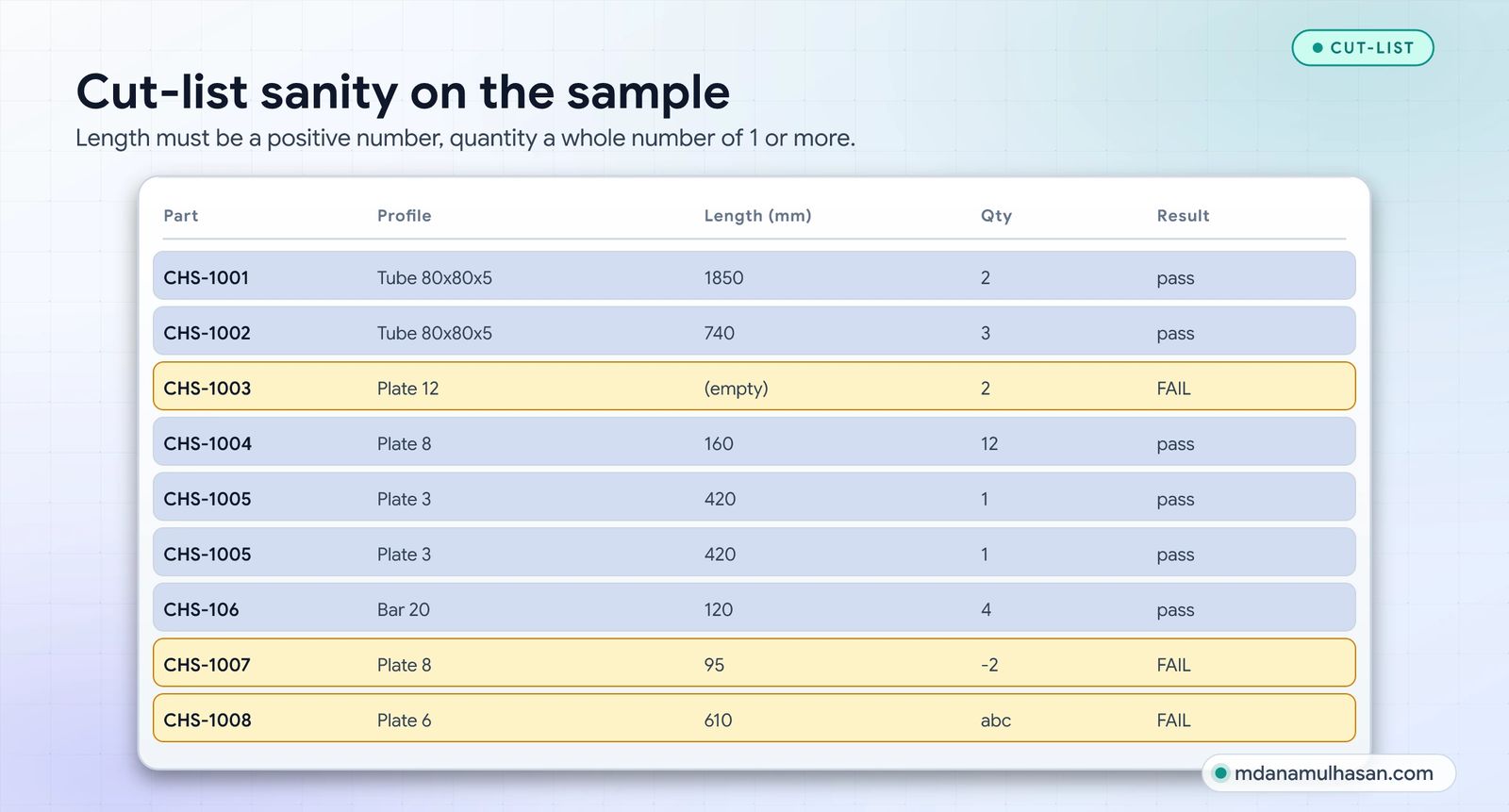
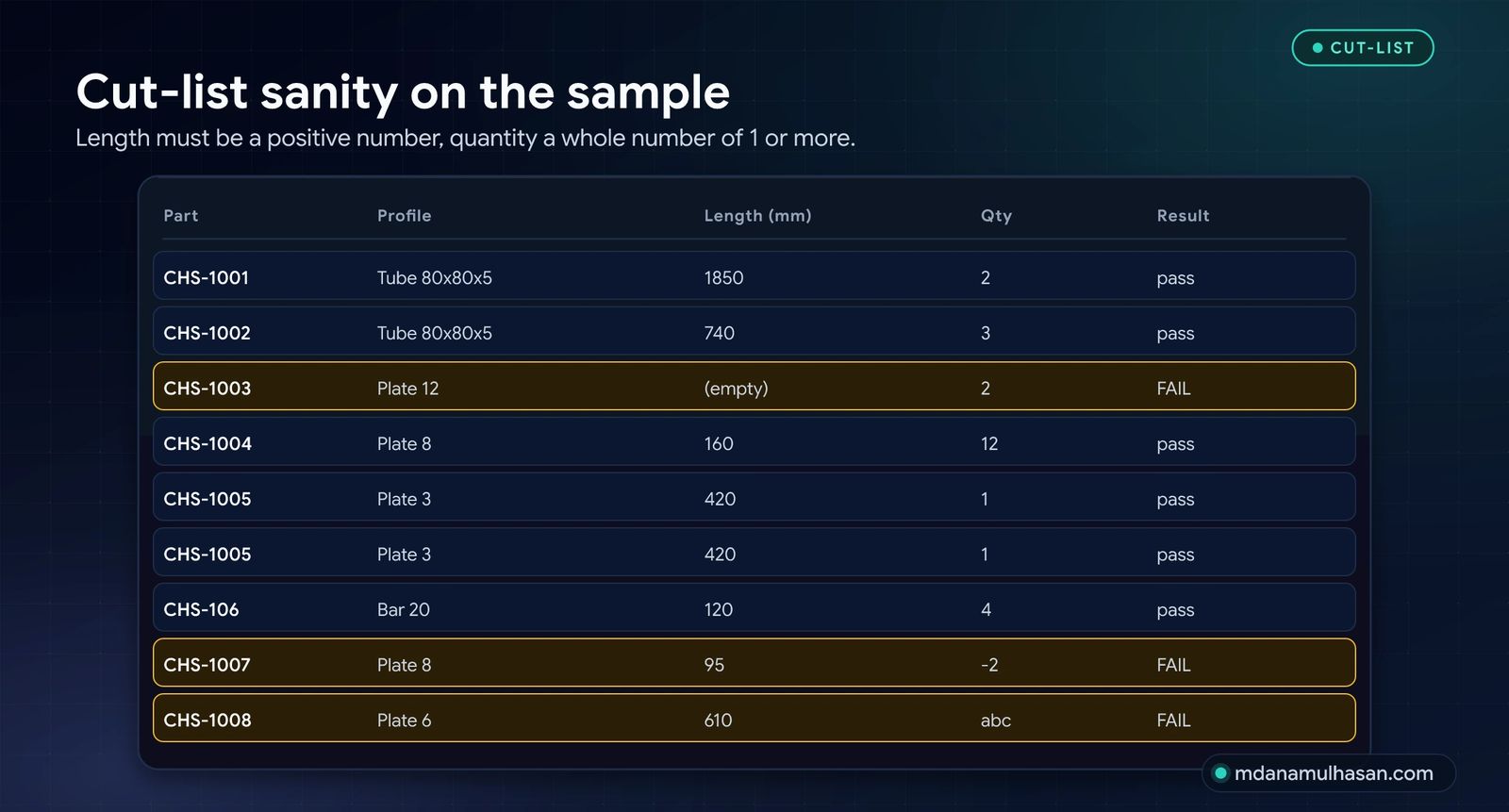
| Cut-list | Is every length a positive number and every quantity a whole number of 1 or more? |
Download
- sw_property_audit.py: Python 3.8+, standard library only.
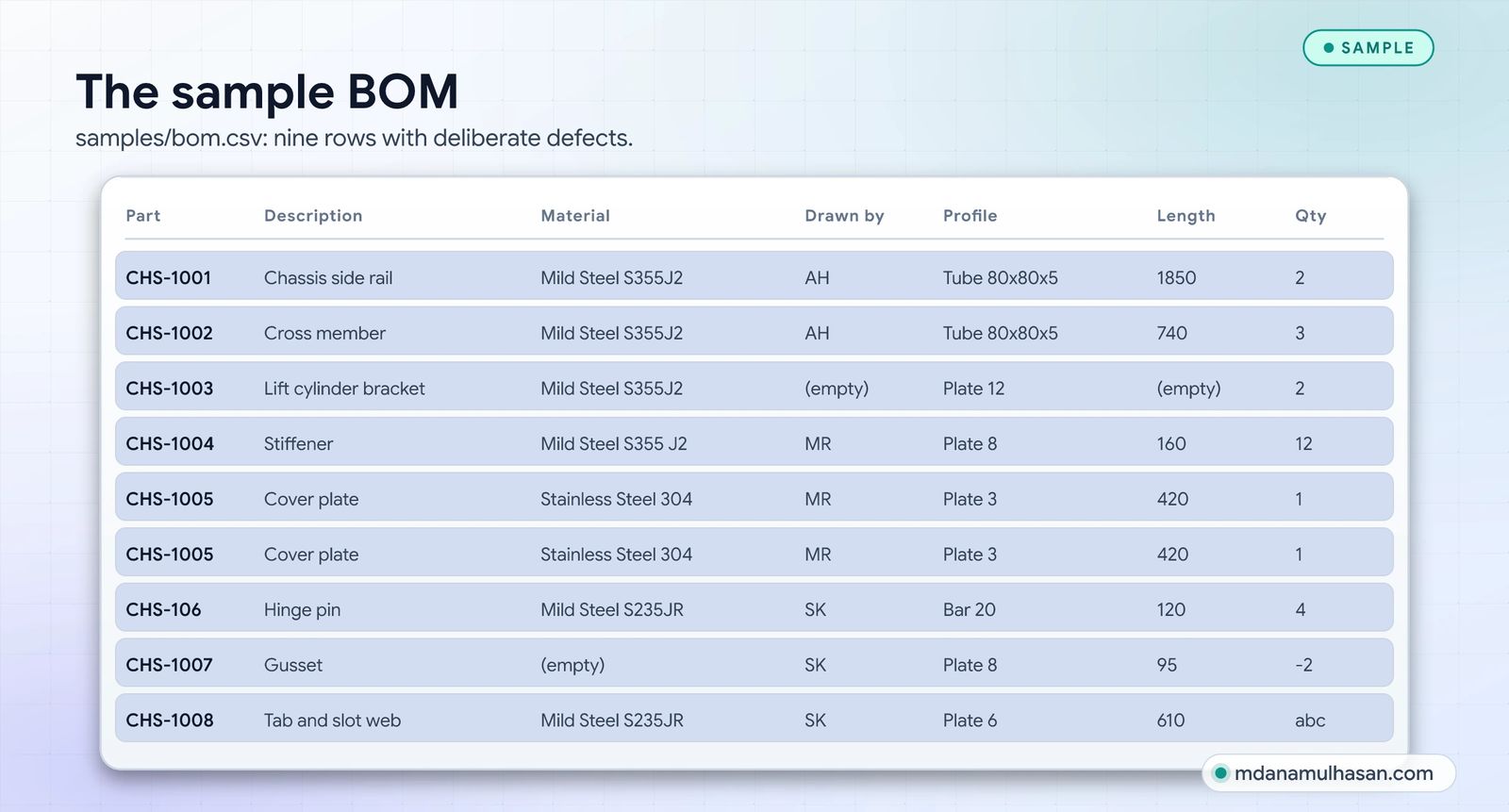
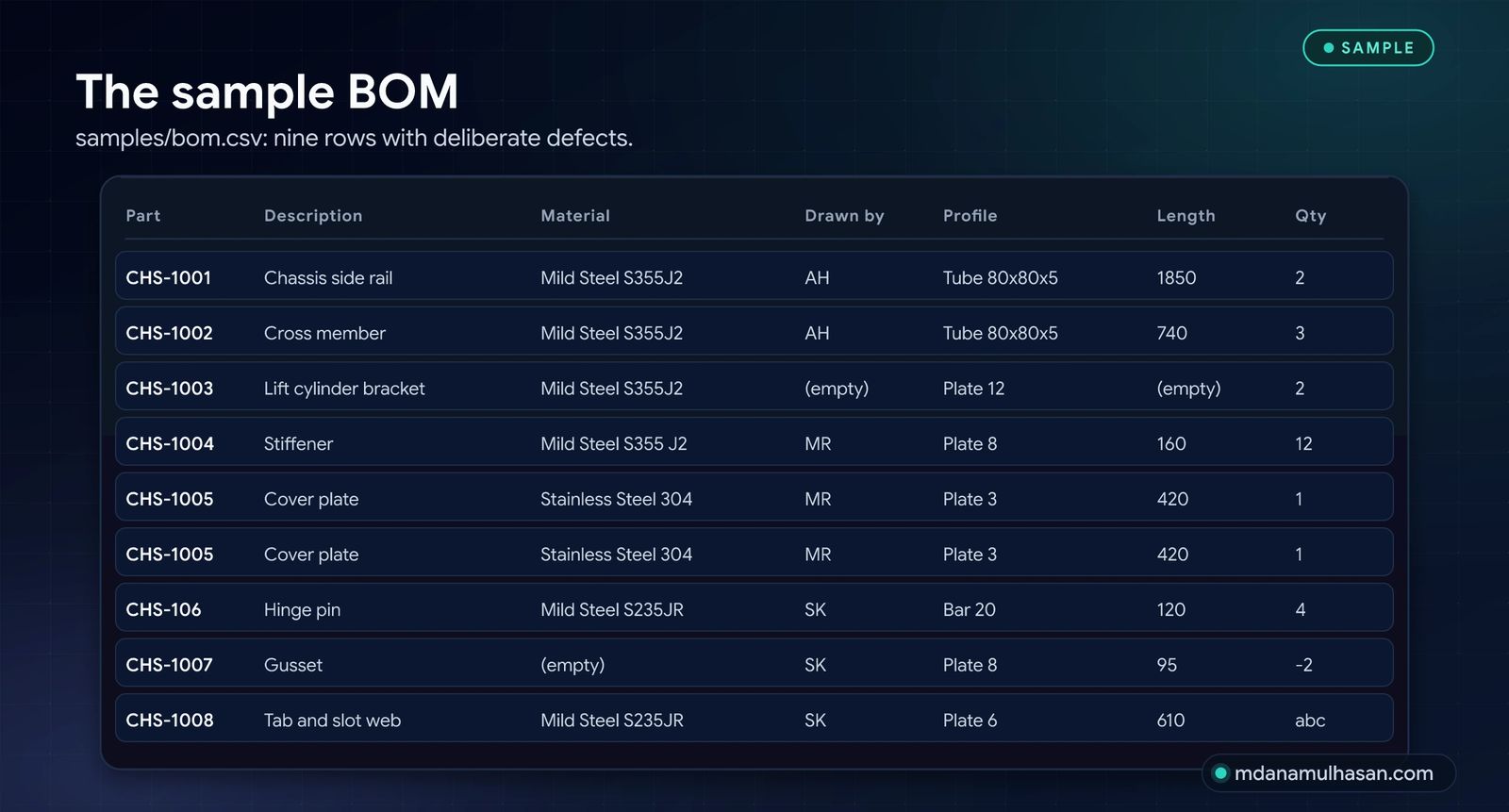
- Sample data to try it first: bom.csv and materials.txt.
Run it
Export your BOM or cut-list from SolidWorks to CSV (any export with a header row), put one allowed value per line in a text file for each list-controlled column, then:
python sw_property_audit.py bom.csv \
    --required part_number,description,material,drawn_by \
    --lov material=materials.txt \
    --id-pattern "^[A-Z]{3}-\d{4}$" \
    --dup-keys part_number \
    --cutlist length_mm,quantity \
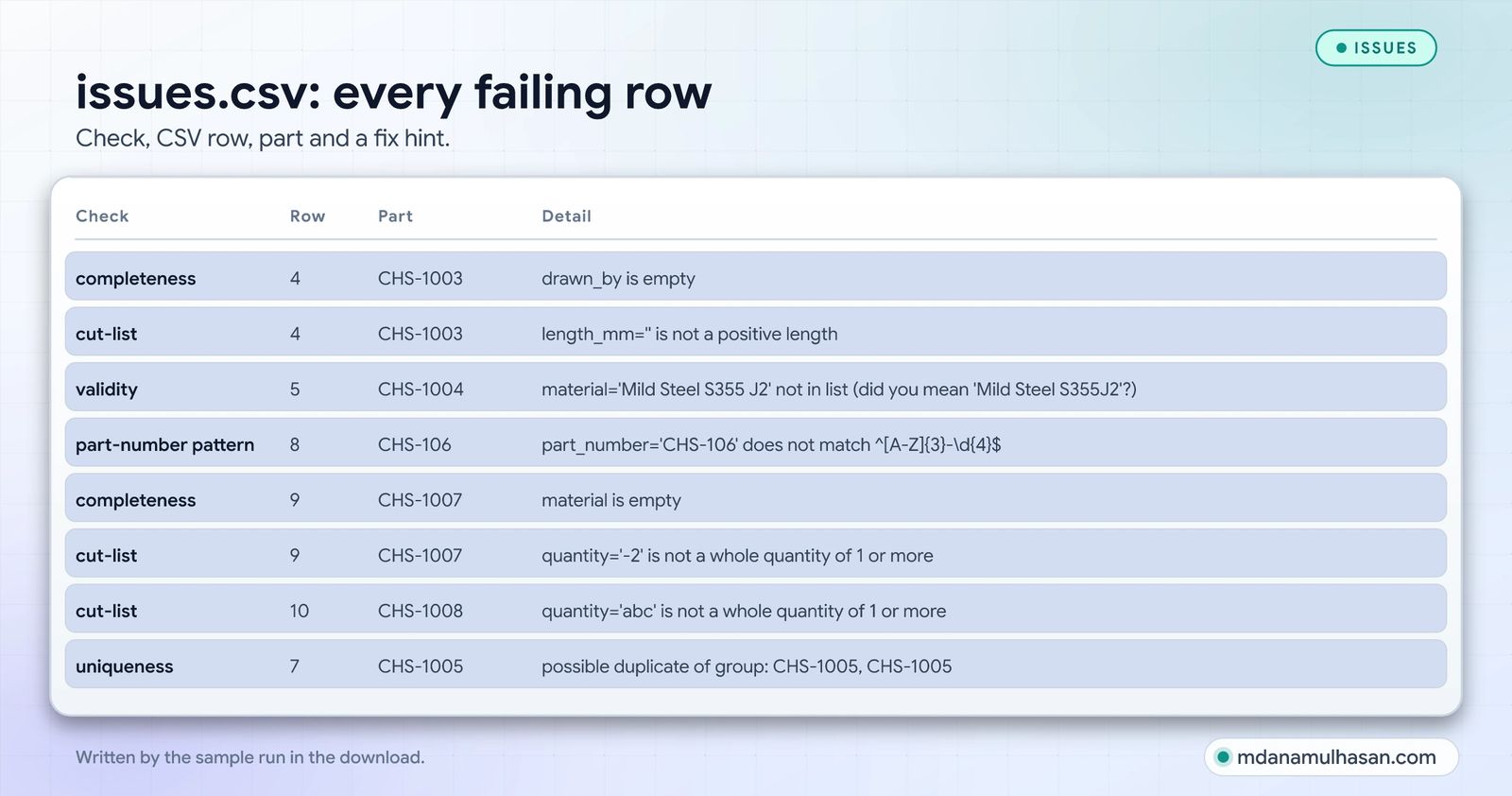
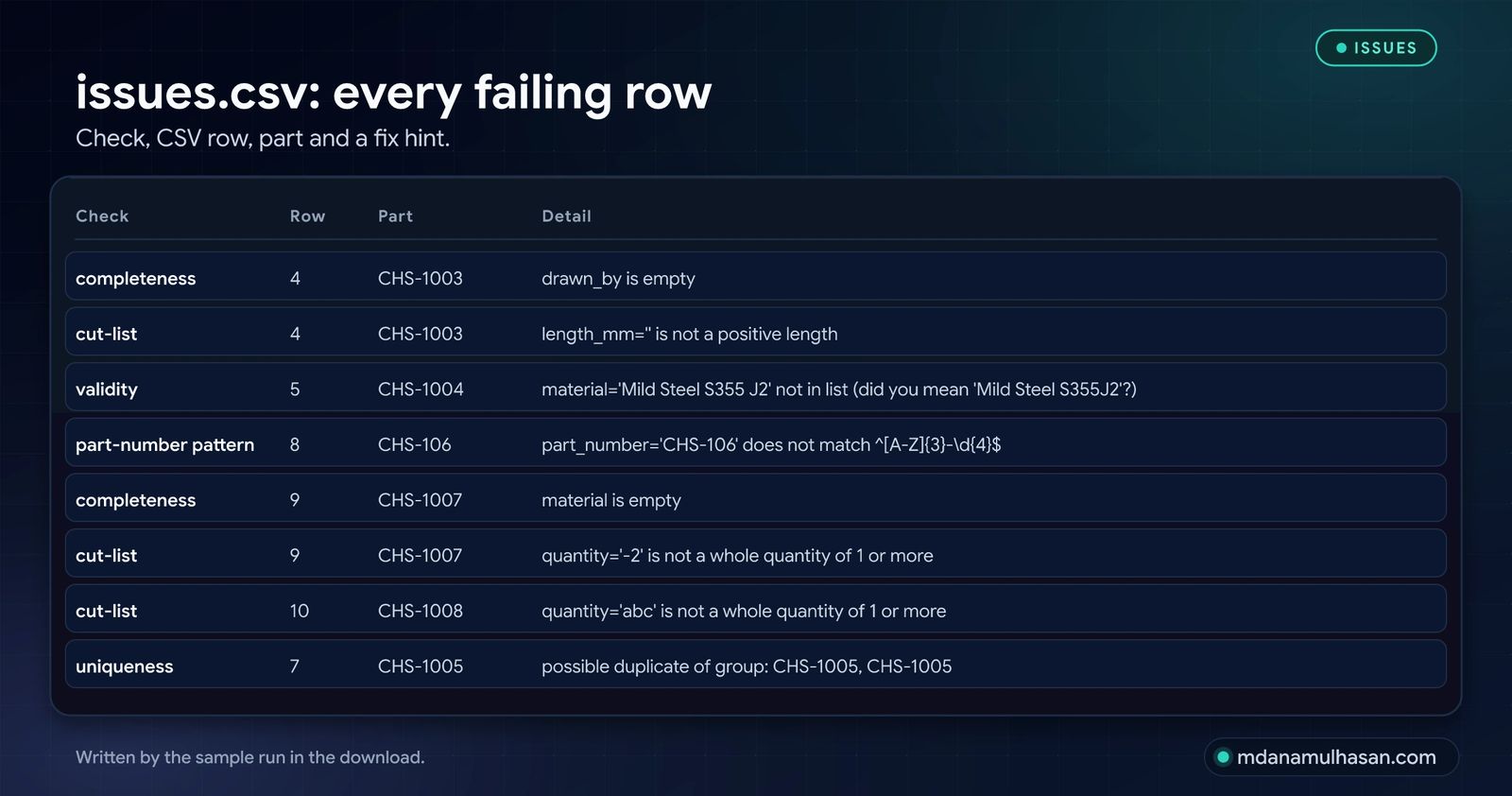
    --out issues.csv
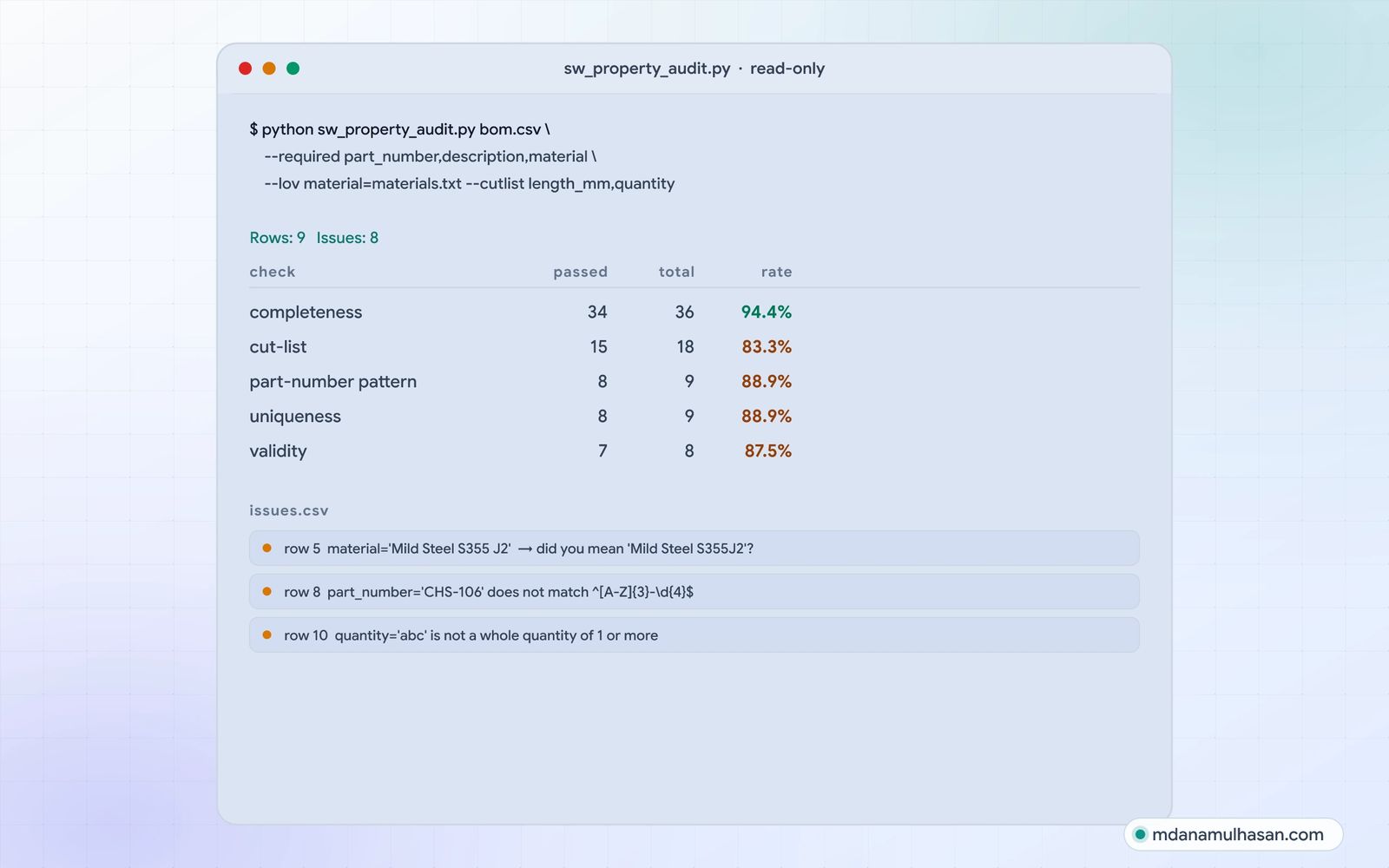
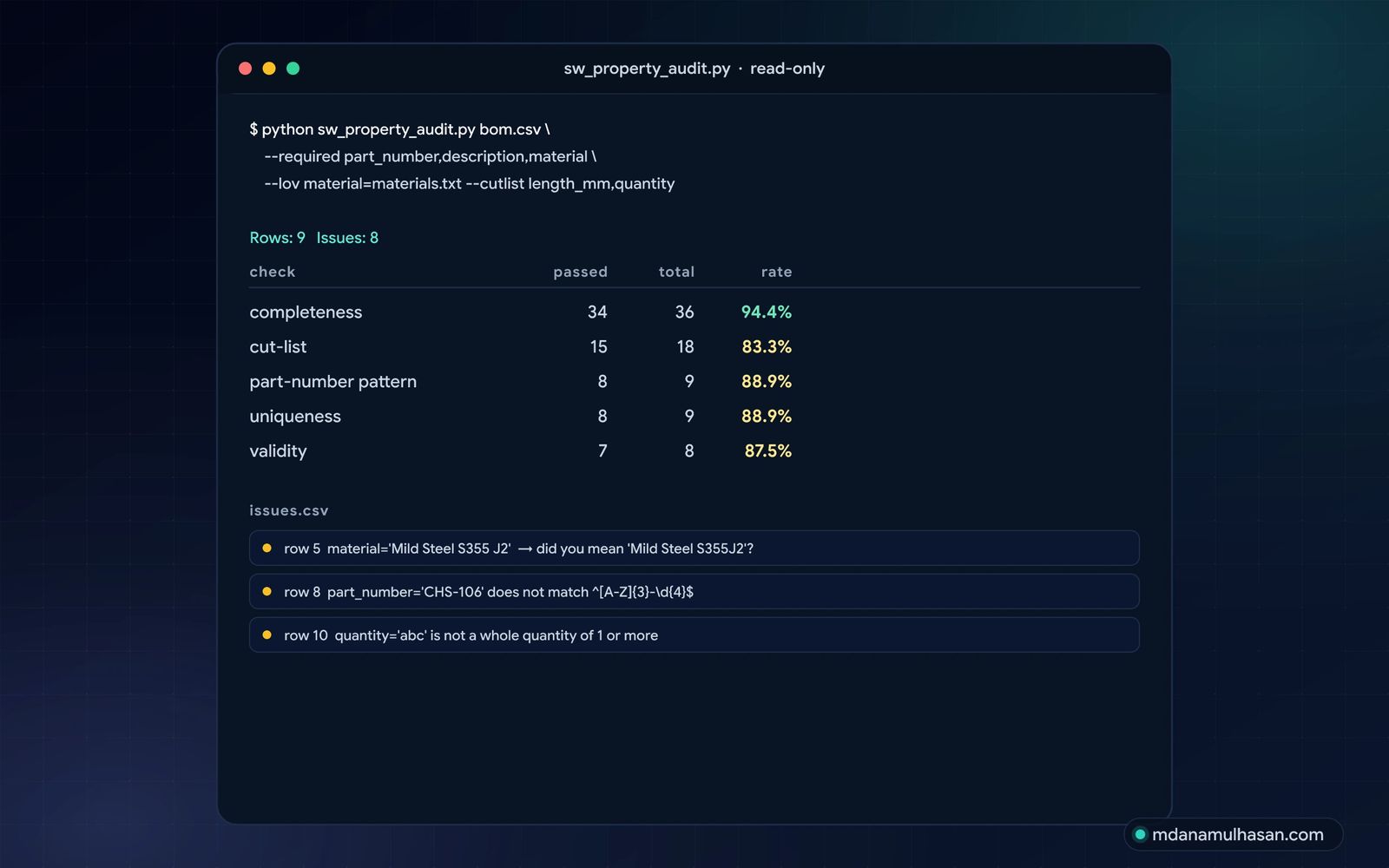
On the sample files this prints:
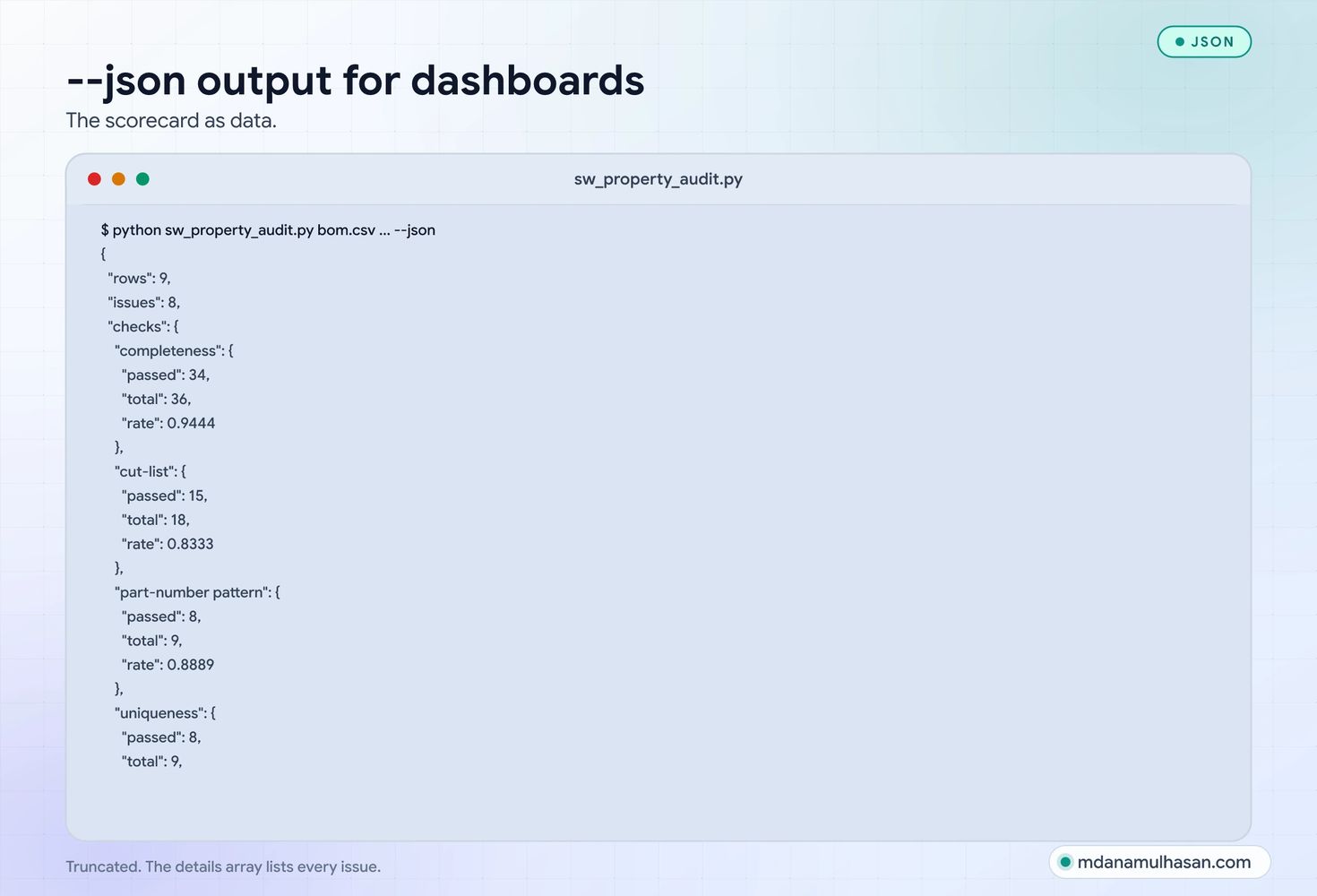
Rows: 9   Issues: 8

check                   passed   total     rate
completeness                34      36    94.4%
cut-list                    15      18    83.3%
part-number pattern          8       9    88.9%
uniqueness                   8       9    88.9%
validity                     7       8    87.5%
issues.csv lists every failing row with the part number and a fix hint, for example material='Mild Steel S355 J2' not in list (did you mean 'Mild Steel S355J2'?).
Use it as a gate
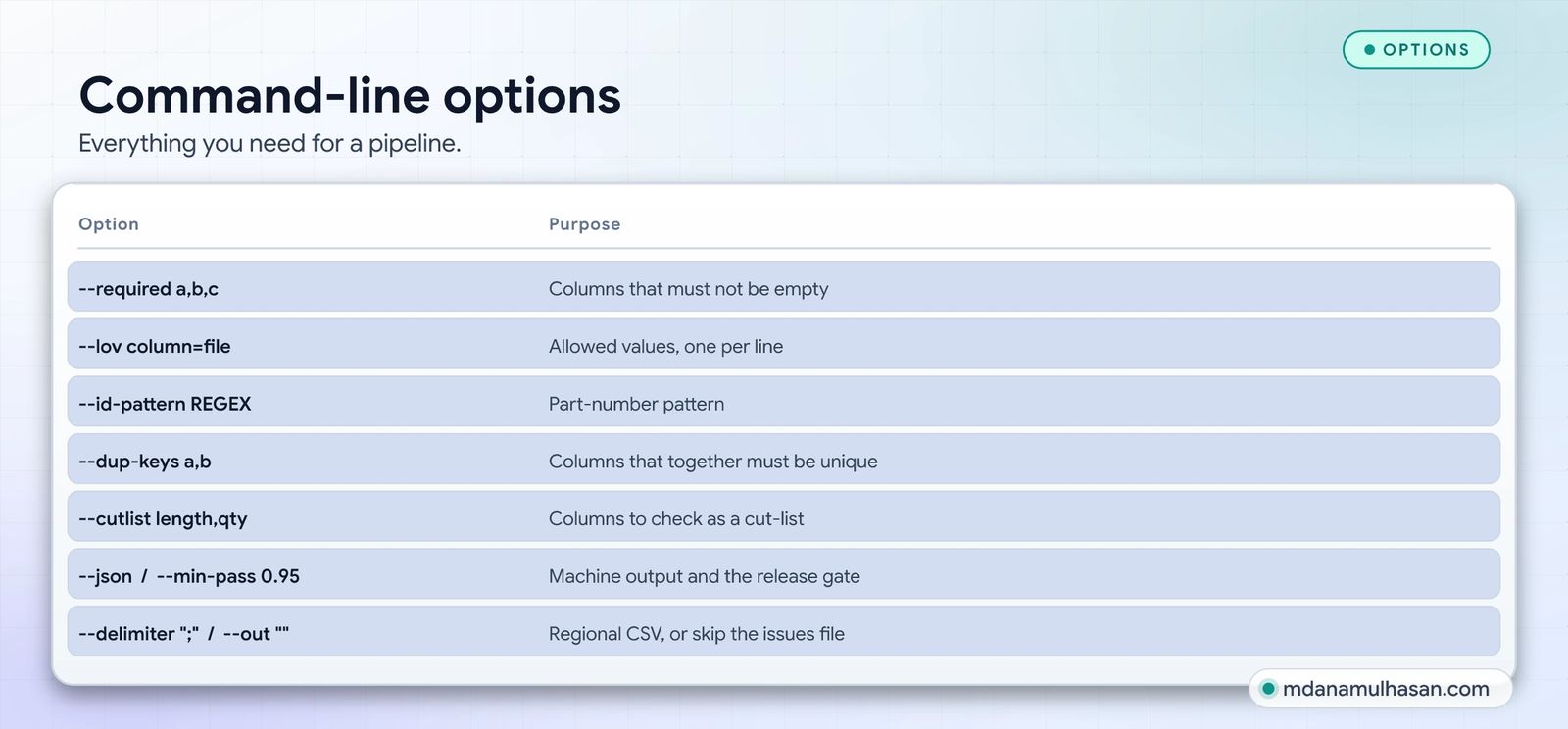
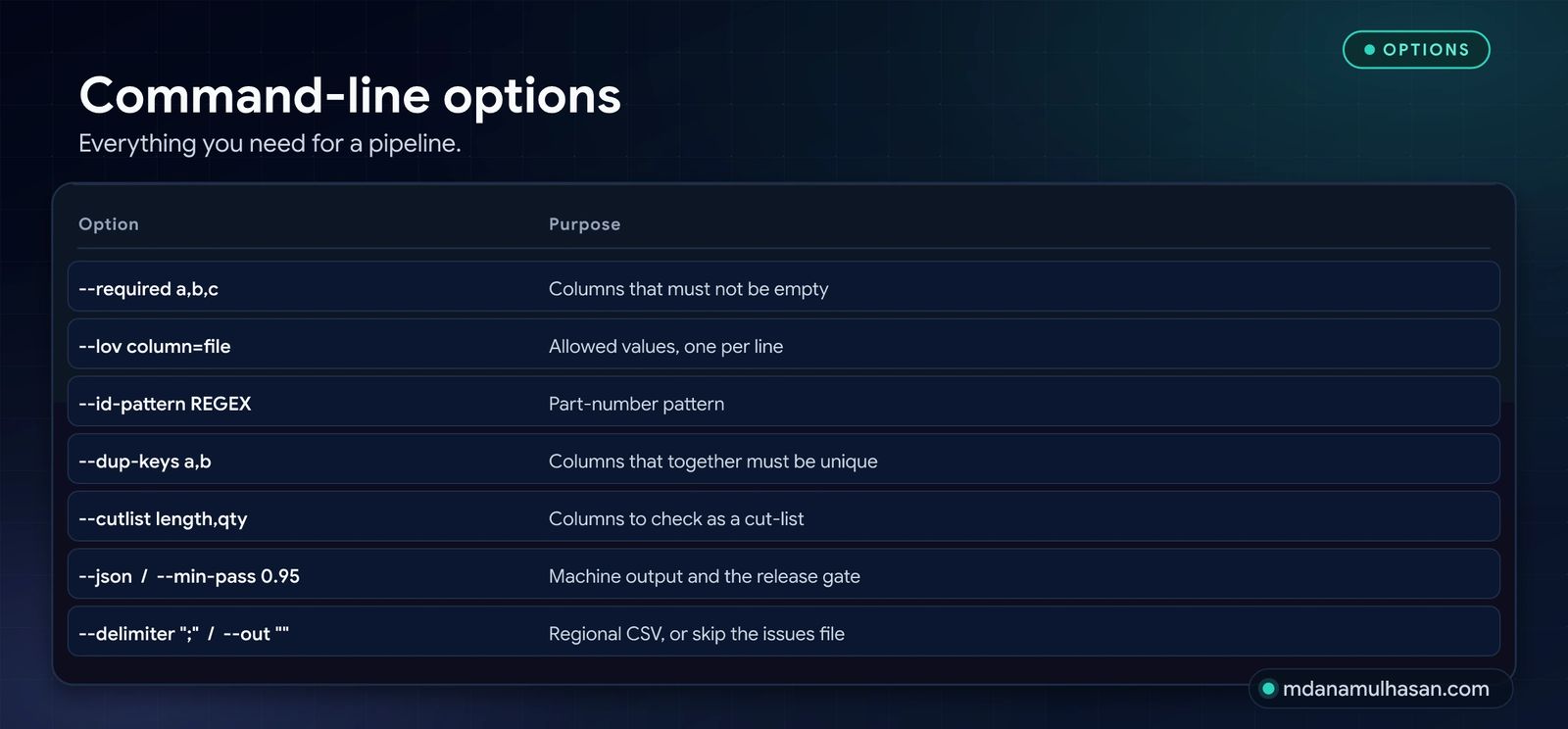
| Option | Purpose |
|---|---|
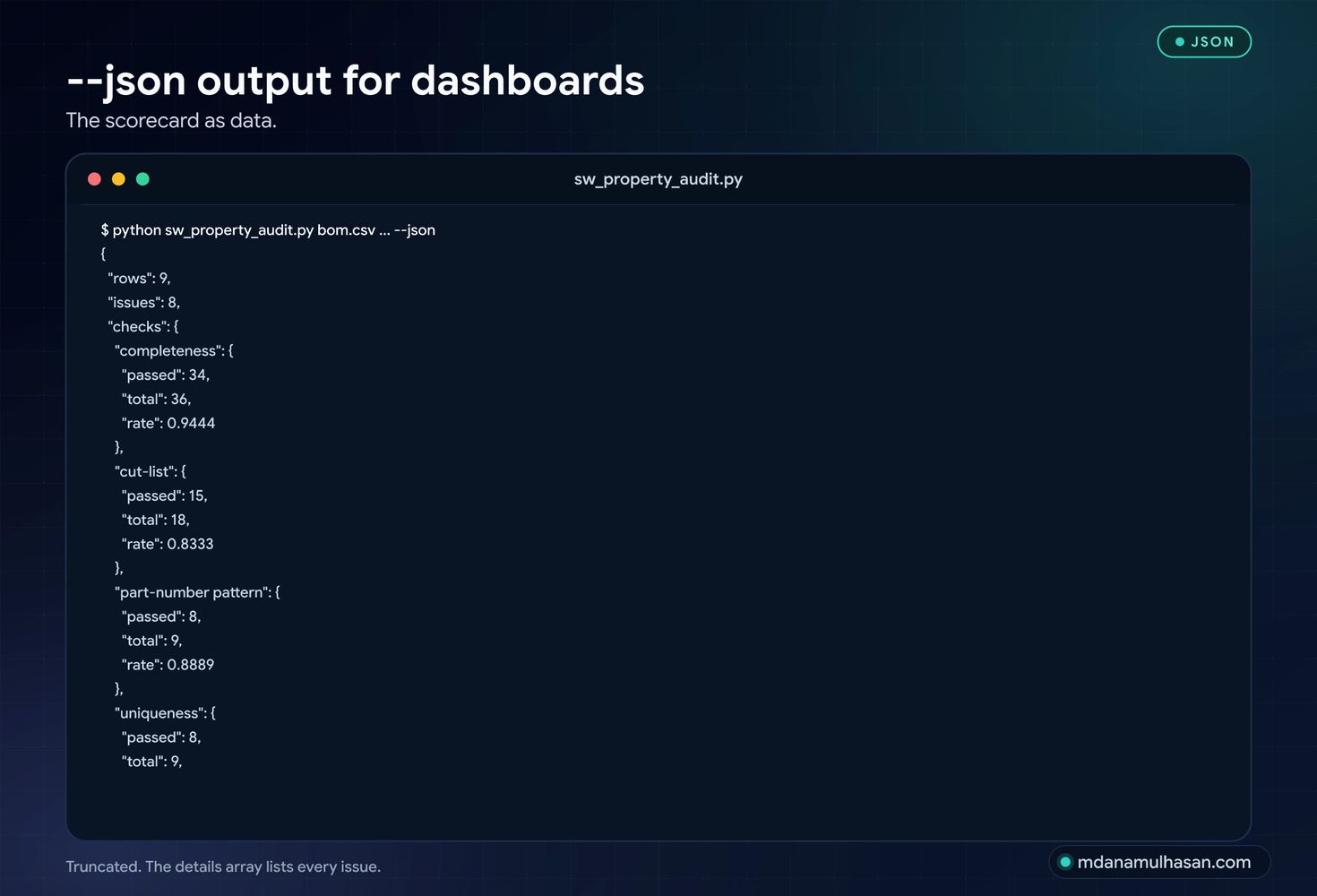
--json |
Print the scorecard and every issue as JSON for dashboards and pipelines. |
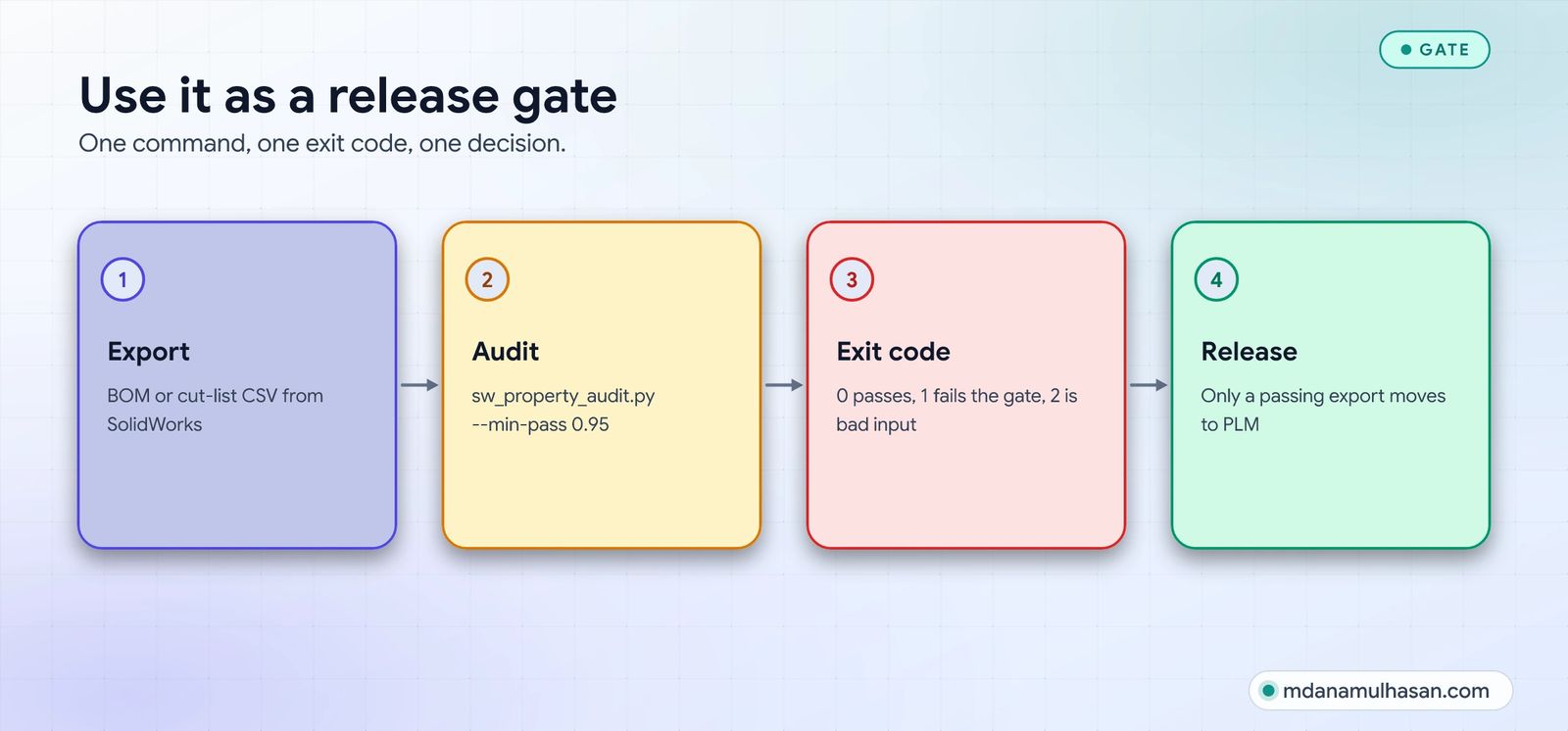
--min-pass 0.95 |
Exit with code 1 if any check’s pass rate is below 95%. |
--delimiter ";" |
Read regional CSV exports that use semicolons. |
--out "" |
Skip writing issues.csv. |
Good to know
- Read-only. It reads one CSV and writes only the issues file you name.
- Your data stays local. Nothing is uploaded and there are no dependencies to install.
- Column names are yours. Pass the names from your own export to
--required,--lov,--dup-keysand--cutlist. - Lists are exact-match.
Mild Steel S355J2andMild Steel S355 J2are different values on purpose: that difference is what the audit exists to find. - Duplicates are candidates, not verdicts. Review each group before merging.
Related: the NX Open C# Starter Toolkit exports part attributes from NX to a CSV this script can check too. Want your CAD and BOM flow automated and audited? Get in touch.
- Type
- Script
- Format
- Python script
- Download size
- 8 KB
- Price
- Free
- License
- MIT
Using the script
Export your BOM
Any SolidWorks BOM or cut-list export with a header row.
Describe your rules
Required columns, approved lists, the part-number pattern and the cut-list columns.
Run it and fix the list
Read the pass rate per check and work through issues.csv.
What the script does
Completeness
Finds empty required custom properties.
Validity
Checks values against your approved lists, with a "did you mean" hint.
Part-number pattern
Flags part numbers that break your numbering rule.
Duplicates
Spots likely duplicates, ignoring case, spacing and punctuation.
Cut-list sanity
Every length a positive number, every quantity a whole number of 1 or more.
Release gate
--json output and --min-pass exit codes for pipelines.
The script at a glance
Get the script
About 8 KB. Requires Python 3.8+; reads a CSV export, never opens SolidWorks.
sw_property_audit.py
Questions, answered
Does it open SolidWorks?
No. It reads a CSV you export yourself, so it needs no SolidWorks licence or access.
Can it fail a release?
Yes: --min-pass 0.95 exits with an error code when any check falls below 95%.
Why are lists exact-match?
Because "Mild Steel S355J2" and "Mild Steel S355 J2" being different values is the problem the audit exists to find.
Share this engineering resource
Recommend this script to colleagues.
More Tools
More Engineering Tools
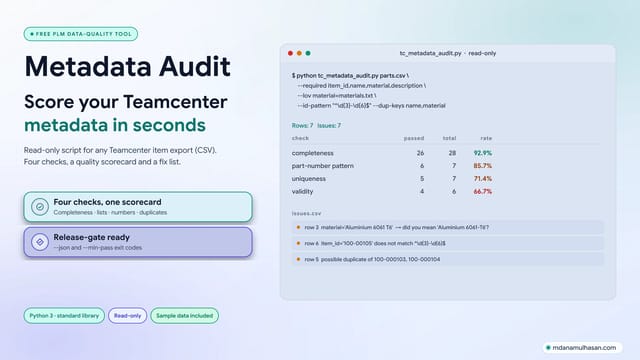
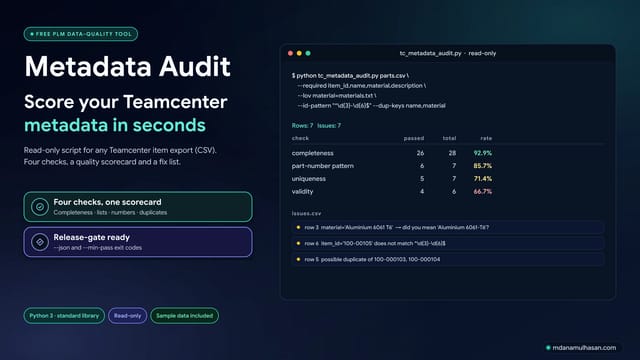
Teamcenter Metadata Audit — Free Data-Quality Script for Item Exports
Free read-only Python script that scores a Teamcenter item export (CSV) for empty required fields, invalid list values, part-number pattern breaks and likely duplicates, with a JSON output and a pass-rate gate for release checks.
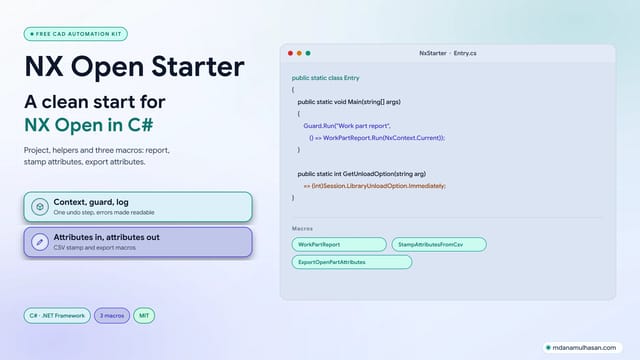
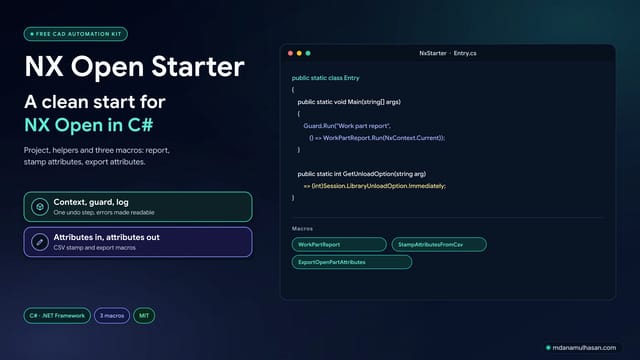
NX Open C# Starter Boilerplate & Macro Toolkit
Free, MIT-licensed C starter for Siemens NX Open: a class library project, a context helper, an error guard with one undo step, attribute helpers and three macros (report, stamp attributes, export attributes).